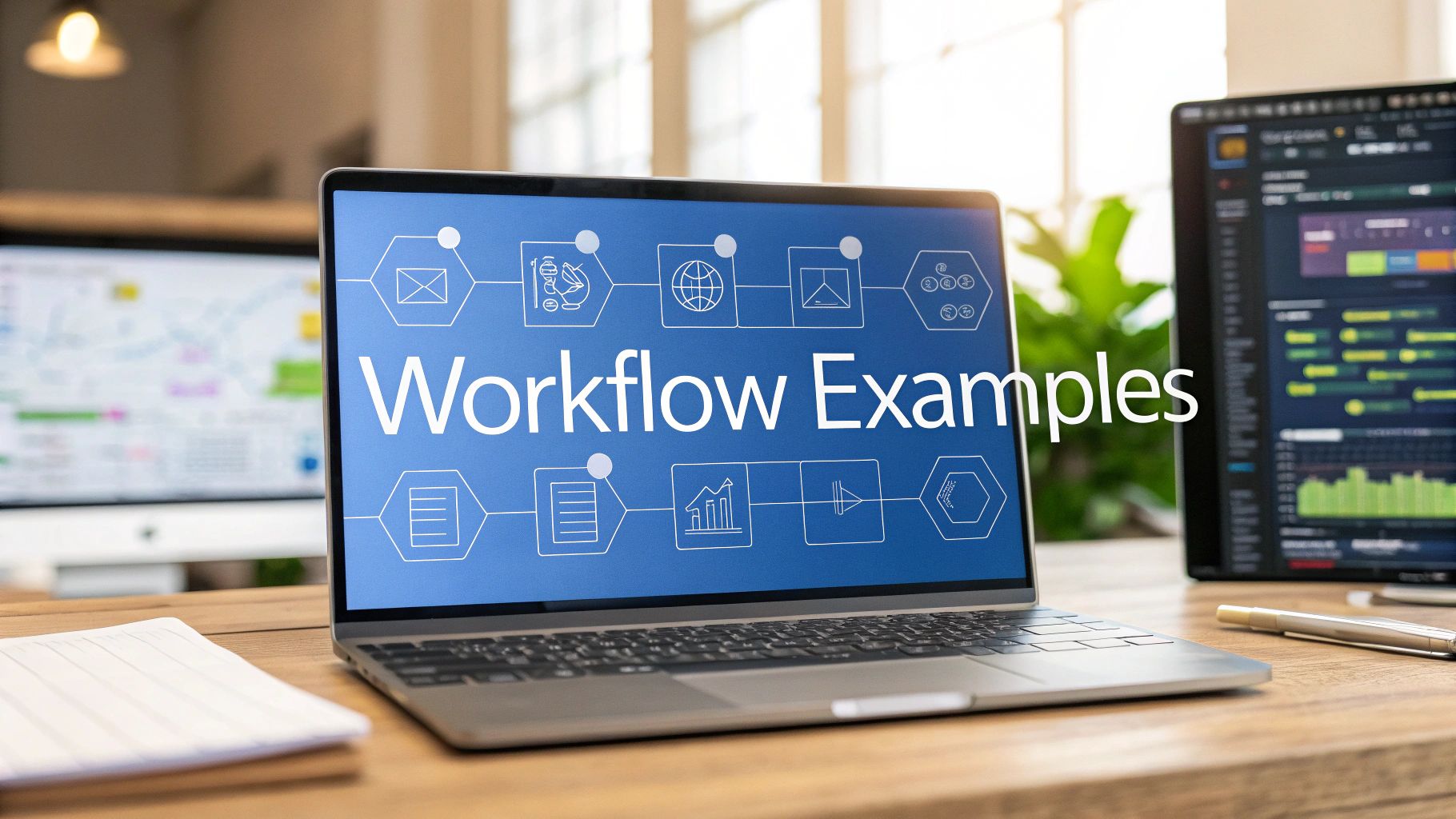
In today’s competitive B2B landscape, generic marketing automation is no longer enough. Your organization needs intelligent, scalable workflows that align marketing, sales, and service to drive measurable revenue growth. For RevOps, Marketing Operations, and Sales Operations leaders, the challenge isn’t just adopting platforms like HubSpot, Salesforce, or Pardot (MCAE); it’s mastering them to optimize the entire revenue engine.
This article moves beyond theory to provide a deep dive into proven, real-world marketing automation workflow examples. We’ll break down the strategic ‘why’ and tactical ‘how’ behind each one, offering replicable blueprints you can adapt to streamline processes, enhance lead quality, and accelerate your go-to-market strategy.
Each example includes screenshots and direct links to the platforms where you can explore these automations further, including HubSpot, ActiveCampaign, and Zapier. We provide the specific details needed to evaluate and implement these systems within your own MarTech stack. Get ready to transform your automation from a simple tool into a powerful engine for revenue optimization.
1. The Proactive Lead Nurturing Workflow for High-Intent Prospects
This workflow is designed to identify and engage high-value leads demonstrating strong buying signals. Instead of treating all new leads equally, it uses behavioral triggers to fast-track motivated prospects, delivering personalized content that aligns with their specific interests and accelerating their journey through the sales funnel. It’s one of the most effective marketing automation workflow examples for B2B companies focused on lead quality over quantity.
Workflow Objective & Context
The primary goal is to shorten the sales cycle for high-intent leads by providing a timely, relevant, and personalized nurturing experience. This workflow is ideal for companies using platforms like HubSpot, Pardot (Marketing Cloud Account Engagement), or Marketo, where lead scoring and behavioral tracking are robust. It triggers when a contact crosses a predefined lead score threshold or engages with a high-value content asset, such as a pricing page visit or a demo request.
Step-by-Step Workflow Breakdown
- Entry Trigger: A lead’s score increases past a set threshold (e.g., 100 points) OR they visit a key conversion page (e.g.,
/pricingor/request-demo). - Immediate Action: The system instantly tags the contact as a “High-Intent Lead” or “Marketing Qualified Lead (MQL)” in the CRM.
- Internal Notification: An automated notification (via email or Slack) is sent to the assigned sales representative, providing the lead’s name, company, and the specific action that triggered the workflow.
- Nurture Sequence: The lead is enrolled in a specialized 3-email nurture sequence delivered over five days.
- Email 1 (Day 1): A personalized email from the assigned rep referencing the prospect’s interest (e.g., “Saw you were looking at our pricing…”) and offering a relevant case study or a quick 15-minute call.
- Email 2 (Day 3): A follow-up email highlighting a key product feature that solves a common pain point related to their initial interest.
- Email 3 (Day 5): A final, value-driven email offering an exclusive resource, like an ROI calculator or an industry-specific whitepaper.
- Exit Condition: The workflow ends if the prospect replies to an email, books a meeting, or is manually removed by the sales rep. If no engagement occurs, the lead is moved to a long-term nurturing campaign.
Strategic Insight: The power of this workflow lies in its immediacy and context. By combining a lead score trigger with content personalization, it ensures the sales team engages with the warmest leads first, equipped with the exact information needed to start a meaningful conversation. It moves beyond generic nurturing to create a responsive, sales-aligned engagement process.
2. The Automated Customer Welcome & Onboarding Workflow
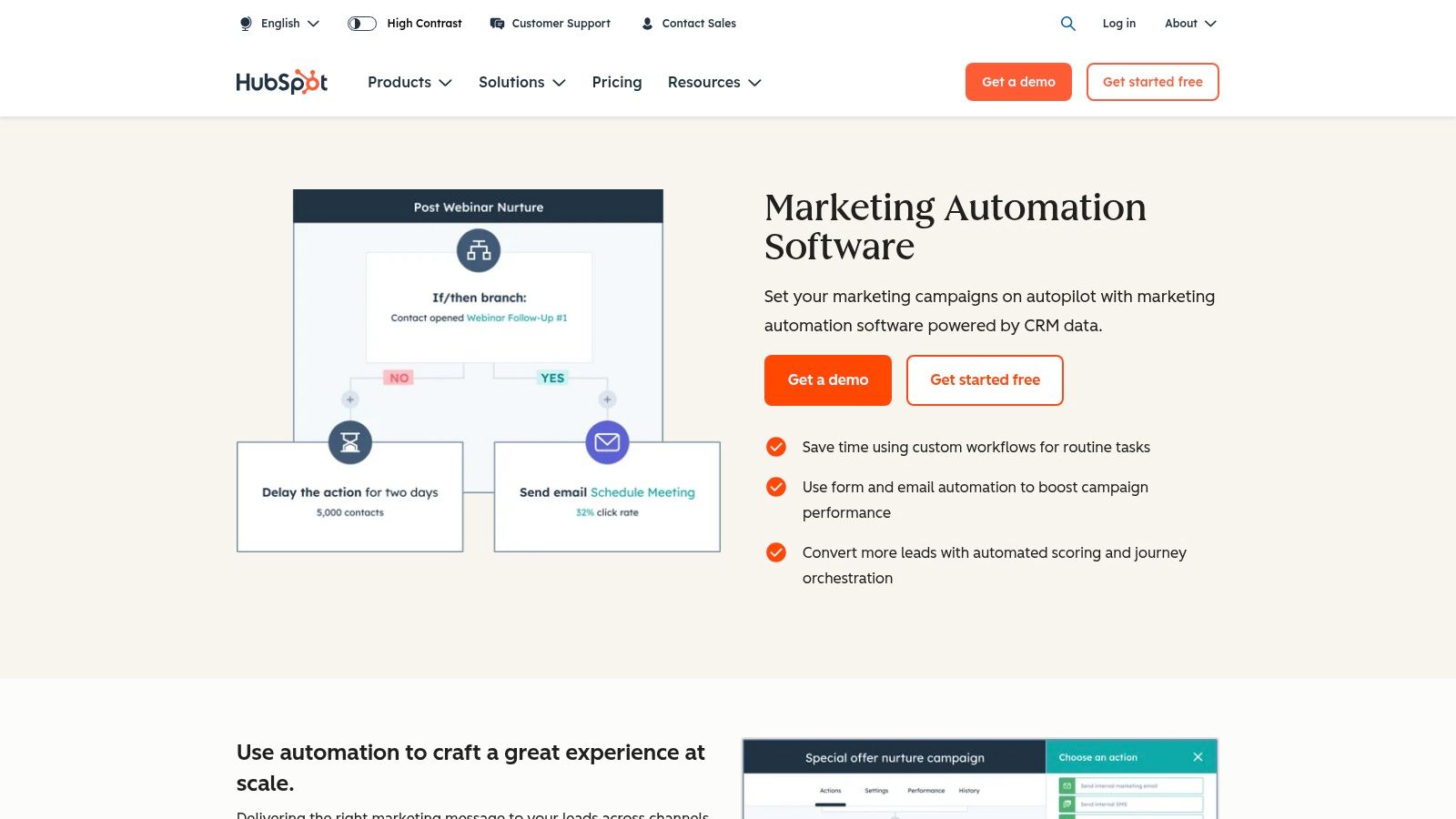
This foundational workflow automates the crucial first impression a new customer has with your brand. Instead of a single, generic “thank you” email, this sequence guides new users through essential first steps, educates them on key features, and sets the stage for long-term engagement and product adoption. It’s one of the most vital marketing automation workflow examples for SaaS, subscription, and B2B service companies focused on reducing churn and increasing lifetime value.
Workflow Objective & Context
The primary goal is to seamlessly transition a new customer from the sales process to successful product usage, driving immediate value and building positive momentum. This workflow is perfectly suited for a platform like HubSpot, where its tight CRM integration allows for triggers based on deal stage changes or lifecycle stage updates. For a deep dive into how these systems connect, explore these insights on CRM and marketing automation integration. The workflow triggers the moment a deal is closed-won or a contact’s lifecycle stage is updated to “Customer.”
Step-by-Step Workflow Breakdown
- Entry Trigger: A contact’s associated deal is moved to the “Closed Won” stage OR their lifecycle stage is manually or automatically updated to “Customer.”
- Immediate Action: The system updates the contact record, adds them to a “New Customers” active list, and removes them from any remaining lead nurturing campaigns to prevent conflicting messages.
- Internal Notification: A Slack notification is sent to the designated Customer Success Manager (CSM) or account manager, alerting them that they have a new customer to welcome personally.
- Onboarding Sequence: The customer is enrolled in a 4-email onboarding sequence over ten days.
- Email 1 (Instant): A warm welcome email from the CSM introducing themselves and providing a link to a “Getting Started” guide or video tutorial.
- Email 2 (Day 3): An email highlighting the single most important feature for new users to master, with a link to a relevant knowledge base article.
- Email 3 (Day 7): An invitation to a live weekly new-user training webinar or a link to a recorded session.
- Email 4 (Day 10): A check-in email asking if they have any questions and offering a link to book a 1-on-1 onboarding call.
- Exit Condition: The workflow ends if the customer books a meeting or if the CSM manually unenrolls them. After completion, they can be moved into a long-term customer newsletter or product update list.
Strategic Insight: This workflow bridges the common gap between sales and customer success. By automating the initial educational steps, it ensures every new customer receives a consistent, high-quality onboarding experience, freeing up the customer success team to focus on strategic, high-impact conversations rather than repetitive administrative tasks.
3. The Re-engagement Campaign for Inactive Subscribers
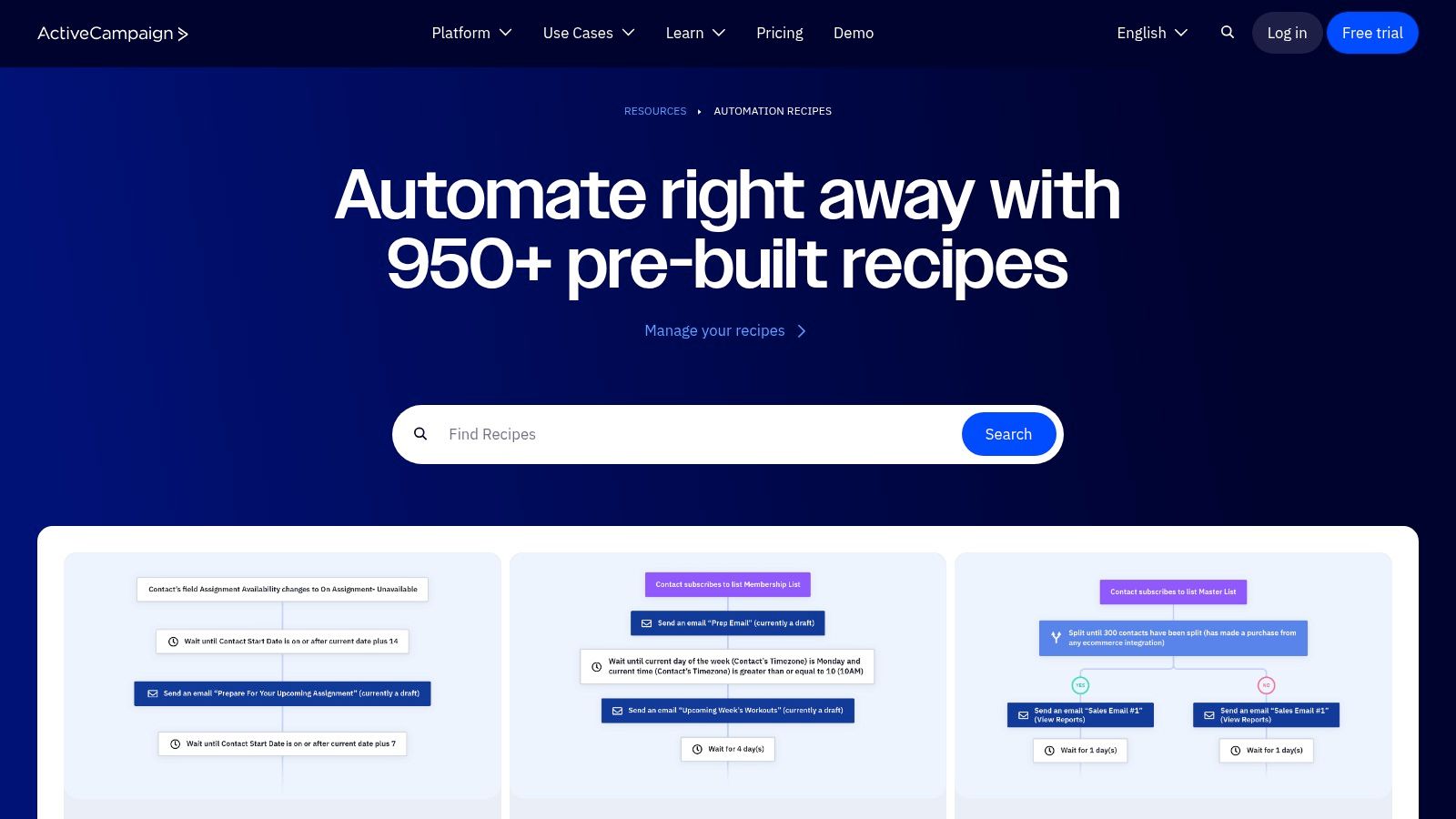
This workflow is designed to automatically identify and re-engage dormant contacts in your email list. Instead of letting valuable subscribers go cold, it deploys a targeted, multi-touch sequence to win them back, clean your list, and improve overall email deliverability. This is a foundational example of marketing automation workflow examples that every email-centric business should implement. This example is inspired by the “Win-Back / Re-engagement” recipes commonly found in the ActiveCampaign Marketplace.
Workflow Objective & Context
The primary goal is to reactivate subscribers who have not engaged with emails over a specific period (e.g., 90 days), thereby boosting engagement rates and maintaining list hygiene. This workflow is perfectly suited for platforms like ActiveCampaign, where automation “recipes” are readily available for one-click import. It’s ideal for e-commerce, digital creators, and SaaS companies whose business models rely heavily on consistent email marketing and customer lifecycle communication.
Step-by-Step Workflow Breakdown
- Entry Trigger: A contact has not opened or clicked any email campaign in the last 90 days. This is often checked on a recurring daily basis.
- Immediate Action: The system applies a “Inactive” or “Needs Re-engagement” tag to the contact for easy segmentation and tracking.
- Nurture Sequence: The contact is enrolled in a 3-step re-engagement sequence over 10 days.
- Email 1 (Day 1): A “We miss you” email with a compelling subject line (e.g., “Is this goodbye?”). The content often includes a special offer, a discount, or asks for feedback via a one-click survey.
- Email 2 (Day 5): A reminder of the value you provide. This email highlights your most popular products, recent content, or new features they may have missed.
- Email 3 (Day 10): A final, transparent email stating this is the last message they will receive unless they take action (e.g., “Click here to stay subscribed”).
- Goal & Exit Condition: The workflow goal is achieved if the contact clicks a link in any of the three emails. If they achieve this goal, the “Inactive” tag is removed, and they exit the automation. If they complete the sequence without engaging, they are tagged for suppression or removal from the main marketing list.
Strategic Insight: This workflow automates a critical list management function that directly impacts deliverability and campaign ROI. By systematically identifying and addressing inactive subscribers, you ensure your marketing messages are sent to an engaged audience, which improves your sender reputation with email providers like Gmail and Outlook. It turns list hygiene from a manual chore into a proactive, automated process.
4. The E-commerce Abandoned Cart & Cross-Sell Workflow
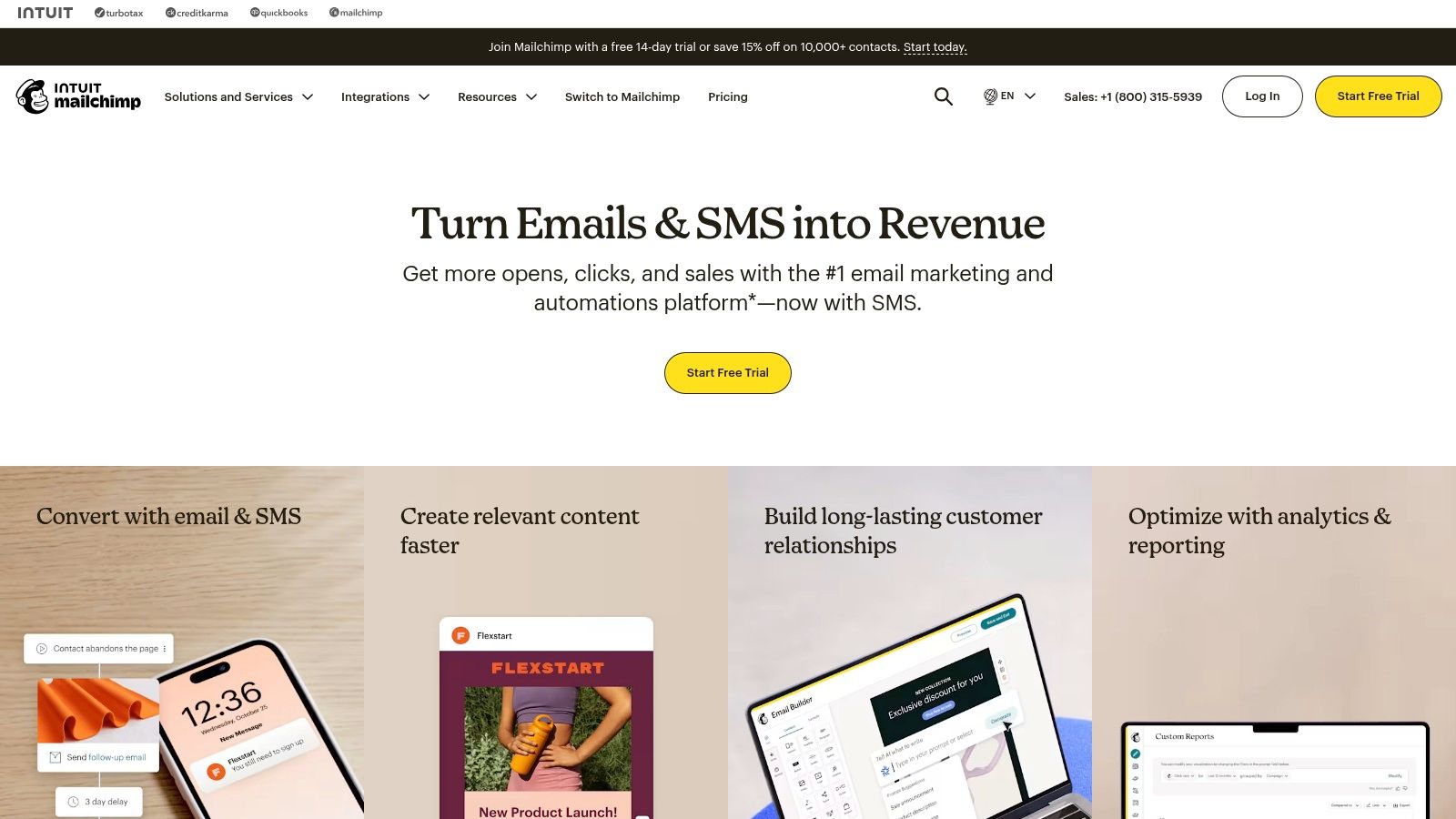
This workflow focuses on recovering lost sales and increasing customer lifetime value by automatically engaging users who abandon their shopping carts. Ideal for e-commerce businesses and SMBs, it uses purchase behavior to trigger timely reminders and suggest relevant products, turning a moment of hesitation into a conversion opportunity. It’s one of the most impactful marketing automation workflow examples for direct-to-consumer brands using platforms like Mailchimp.
Workflow Objective & Context
The primary goal is to recapture revenue from abandoned carts and drive repeat purchases through automated, personalized follow-ups. This workflow is perfectly suited for Mailchimp’s Customer Journey Builder, especially for businesses with connected Shopify, WooCommerce, or BigCommerce stores. It leverages pre-built templates that can be quickly customized and activated, making it accessible even for teams with limited technical resources.
Step-by-Step Workflow Breakdown
- Entry Trigger: A customer adds an item to their cart but does not complete the purchase within a set time frame (e.g., 1 hour). This requires an e-commerce integration.
- Immediate Action: The system tags the contact as “Abandoned Cart” and enrolls them into the recovery journey.
- Nurture Sequence (Abandoned Cart): A series of timed emails and an optional SMS message are sent to encourage checkout completion.
- Email 1 (1-4 hours after abandonment): A simple reminder email featuring the exact products left in the cart with a direct link to “Complete Your Purchase.”
- Email 2 (24 hours after abandonment): A follow-up email that creates urgency, perhaps by highlighting low stock or offering a small discount (e.g., 10% off).
- SMS Message (Optional, 48 hours): For opted-in contacts, a concise text message reminder: “Still thinking it over? Your items are waiting for you!” with a link.
- Post-Purchase Cross-Sell: If the customer completes their purchase, they are moved to a separate cross-sell branch of the journey.
- Email 4 (7 days after purchase): An email suggesting complementary products based on their recent purchase (e.g., if they bought a coffee maker, suggest coffee beans or filters).
- Exit Condition: The user exits the abandoned cart sequence upon making a purchase. The journey ends after the cross-sell attempt, or they are moved to a general newsletter list.
Strategic Insight: This workflow excels by combining two high-value automations into one streamlined journey. The strength of platforms like Mailchimp is their template-driven approach, which removes the complexity of building these flows from scratch. By connecting cart recovery directly to a post-purchase cross-sell, businesses create a seamless experience that not only recovers lost sales but actively nurtures the next one.
5. The Cross-Stack Data Sync Workflow with Zapier Templates
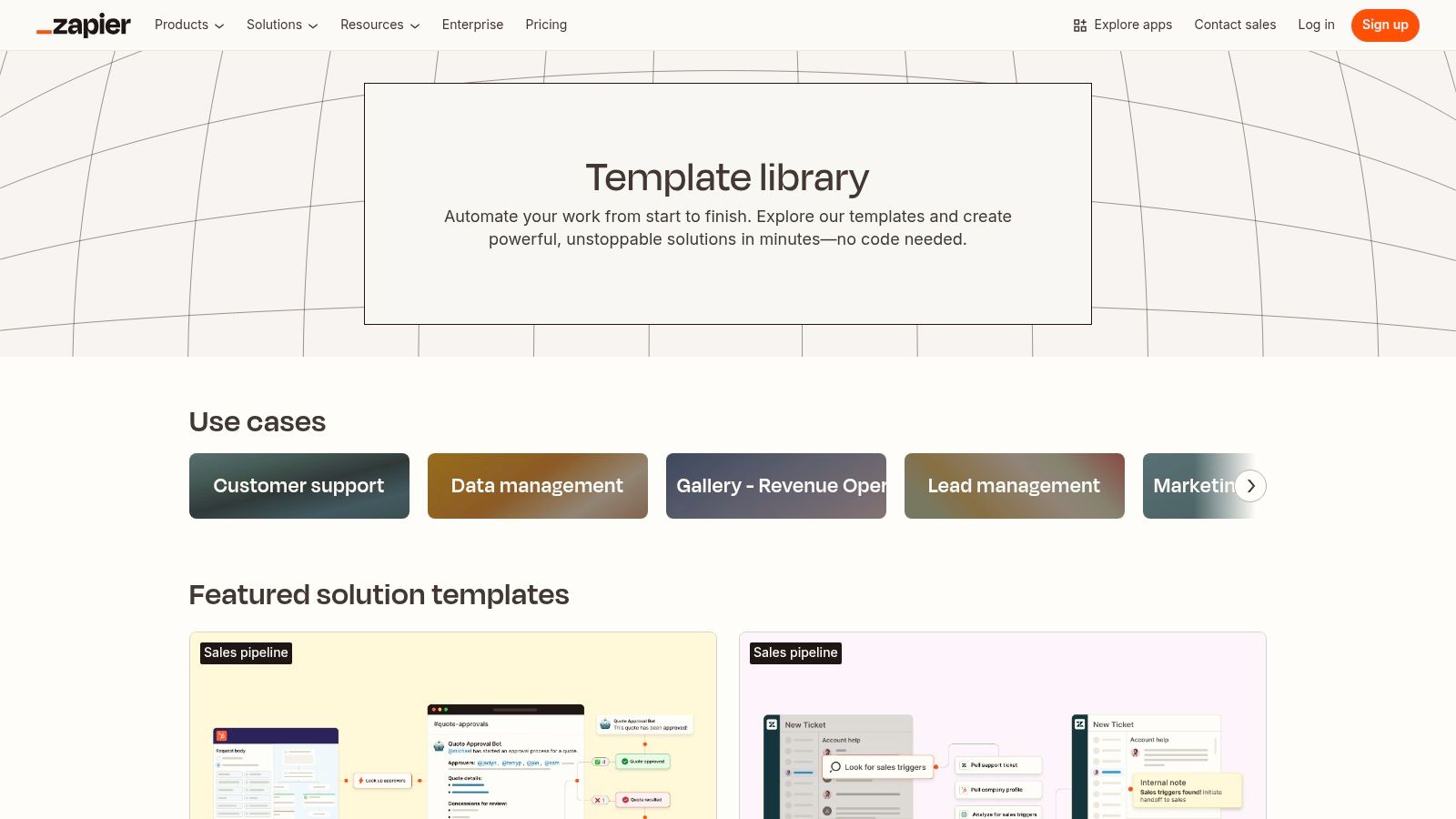
This workflow acts as a universal connector, allowing you to bridge gaps between disparate marketing tools that don’t have native integrations. Instead of complex API development, it uses pre-built Zapier templates to automate data transfer and trigger actions across your entire tech stack. It’s one of the most versatile marketing automation workflow examples for teams needing to sync lead data, form submissions, and customer updates between platforms like a CRM, email service provider, and project management tool.
Workflow Objective & Context
The goal is to eliminate manual data entry and ensure data consistency across the marketing and sales ecosystem. This workflow is ideal for any organization that uses a variety of best-in-class tools (e.g., Webflow for a website, Mailchimp for newsletters, Asana for tasks, and Salesforce for CRM) and needs them to communicate seamlessly. It triggers when a specific event happens in one application, creating a corresponding record or action in another.
Step-by-Step Workflow Breakdown
- Entry Trigger: A new lead submits a form on a landing page (e.g., built with Webflow or Leadpages).
- Immediate Action: The Zap template instantly captures the form submission data.
- Cross-App Data Distribution: The workflow executes a series of simultaneous or sequential actions:
- Action 1 (CRM): Creates a new “Lead” record in Salesforce or HubSpot, populating fields with the submitted data.
- Action 2 (Email Marketing): Adds the contact to a specific audience or list in Mailchimp or ConvertKit for a welcome sequence.
- Action 3 (Internal Notification): Sends a custom message to a dedicated Slack channel (e.g., #new-leads) to notify the sales team.
- Action 4 (Project Management): Creates a new task in Asana or Trello assigned to the designated sales rep to follow up with the lead.
- Exit Condition: The workflow completes once all actions have been successfully executed. There is no ongoing nurture sequence within the Zap itself; it serves as the initial data distribution hub.
Strategic Insight: The value of this workflow is its ability to create a single source of truth from a single entry point, instantly. By connecting otherwise siloed applications, you ensure that every department has immediate access to the same lead information, which is a critical component for effective sales funnel optimization strategies. This no-code approach democratizes automation, allowing marketing teams to build and deploy complex integrations without engineering resources.
6. The Multi-App Data Enrichment & Routing Workflow
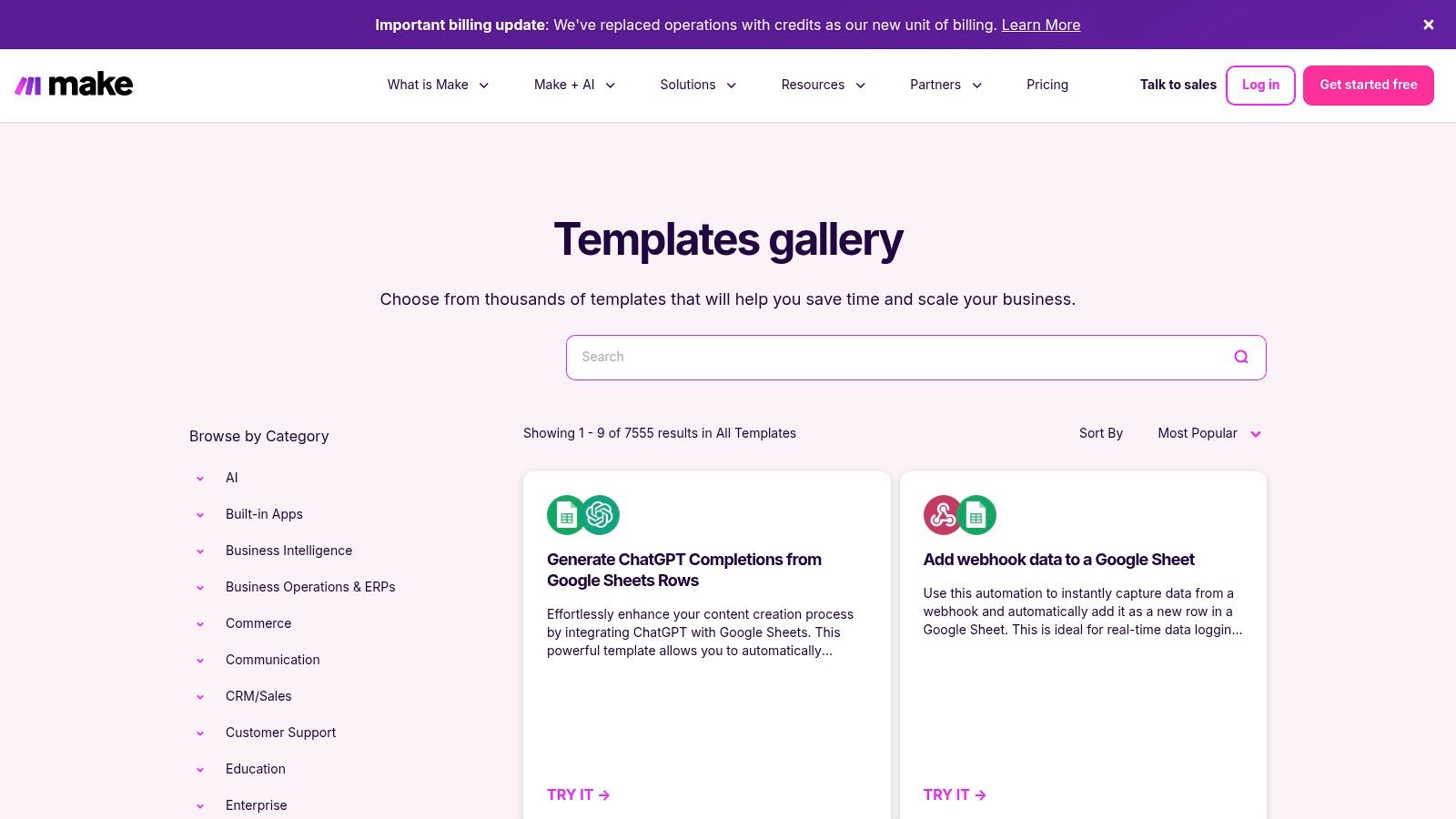
This workflow uses a powerful integration platform to connect disparate systems, automate data enrichment, and intelligently route leads. Instead of relying on a single marketing platform’s native capabilities, it leverages a tool like Make (formerly Integromat) to create a sophisticated, cross-application process that ensures data is clean, complete, and delivered to the right person at the right time. This is a prime example of how marketing automation workflow examples can extend beyond email to orchestrate an entire RevOps process.
Workflow Objective & Context
The goal is to automate the entire process from lead capture to sales handoff by enriching lead data from third-party sources and routing it based on complex business logic. This workflow is ideal for B2B companies that use a diverse MarTech stack (e.g., a form tool like Typeform, a CRM like Salesforce, an enrichment service like Clearbit, and a communication tool like Slack) and need them to work in concert. The visual, no-code builder of a platform like Make allows marketing operations managers to construct these multi-step scenarios without extensive development resources.
Step-by-Step Workflow Breakdown
- Entry Trigger: A new lead submits a form on the website (e.g., a high-intent “Contact Us” or “Demo Request” form).
- Immediate Action: Make’s webhook instantly captures the form submission data.
- Data Enrichment: The workflow sends the lead’s email address or domain to a data enrichment API (like Clearbit or ZoomInfo). The API returns detailed firmographic data, including company size, industry, and location.
- Conditional Routing Logic: The workflow uses a router with branching logic to qualify and assign the lead.
- Branch 1 (Sales Qualified): If company size is >100 employees AND industry matches the Ideal Customer Profile (ICP), the workflow creates a new lead and a task in Salesforce, assigning it to the appropriate regional sales rep. It also sends a real-time Slack notification to that rep with the enriched lead details.
- Branch 2 (Marketing Nurture): If the lead does not meet the ICP criteria, it is added to a specific audience in the marketing automation platform (e.g., HubSpot or Pardot) for long-term nurturing.
- Exit Condition: The workflow run completes once the lead has been successfully processed and routed down one of the branches.
Strategic Insight: This workflow transcends the limitations of a single platform. Its power lies in creating a unified and intelligent “nervous system” for your GTM motion, ensuring that no lead falls through the cracks and that sales receives only high-quality, fully contextualized opportunities. It operationalizes your routing rules with precision and eliminates the manual data-handling that slows down response times.
7. The On-Demand Knowledge Base Workflow for Team Training
This workflow is less about automated customer engagement and more about an internal process: using a vast resource library to upskill your team. Platforms like Amazon provide access to countless books and guides filled with detailed marketing automation workflow examples, blueprints, and strategic frameworks. This approach focuses on building a knowledgeable team capable of designing, implementing, and optimizing complex workflows themselves.
Workflow Objective & Context
The primary goal is to establish a continuous learning and development process for marketing and revenue operations teams. Instead of relying solely on platform-specific training, this “workflow” leverages expert-written, published materials to build foundational and advanced skills. It is ideal for managers training new hires, upskilling junior members, or introducing new strategic concepts to an entire department before a major project, like a system migration or a GTM strategy overhaul.
Step-by-Step Workflow Breakdown
- Entry Trigger: A new team member is onboarded, a new strategic initiative is launched (e.g., implementing a new lead scoring model), or a skills gap is identified within the team.
- Immediate Action: The team lead or manager identifies and purchases relevant books or Kindle e-books from Amazon. Key search terms include “marketing automation playbooks,” “HubSpot workflows,” or “Zapier automation examples.” User reviews are checked to validate content quality.
- Internal Notification: The manager shares the selected resources (Kindle links or physical copies) with the relevant team members via a project management tool like Asana or a communication channel like Slack. A clear deadline for reading and a meeting for discussion are set.
- Nurture Sequence (Knowledge Absorption): This sequence is manual and focused on learning.
- Week 1: Team members read assigned chapters focusing on a specific workflow type (e.g., lead nurturing or customer onboarding).
- Week 2: The team convenes for a workshop to discuss the examples from the book and brainstorm how to adapt them to their company’s specific MarTech stack and business goals.
- Week 3-4: Team members build a draft of the new workflow in a sandbox environment, directly applying the principles learned.
- Exit Condition: The workflow is considered complete once the new process is successfully implemented and documented in the company’s internal knowledge base, and the team demonstrates proficiency with the concept.
Strategic Insight: This internal workflow transforms static content into an actionable training program. It empowers teams with battle-tested strategies that go beyond a single platform’s help documentation. By standardizing foundational knowledge from authoritative sources, you create a more aligned, skilled, and strategically-minded operations team, reducing reliance on external consultants for core concepts.
Marketing Automation Workflow Examples Comparison
| Solution | Implementation Complexity | Resource Requirements | Expected Outcomes | Ideal Use Cases | Key Advantages |
|---|---|---|---|---|---|
| Marketing & Sales Hub Optimization | High – requires CRM integration and tailored automations | Mid to large B2B SaaS companies, CRM platforms, change management | Improved productivity, lead scoring accuracy, revenue growth | Mid to large B2B SaaS firms needing deep revenue process automation | Comprehensive automations, expert-driven, seamless CRM integration |
| HubSpot | Medium – visual builder with templates | HubSpot Professional+ plan, CRM data access | Quick deployment of marketing workflows, precise targeting | Users on HubSpot seeking rapid workflow deployment | Integrated templates, strong CRM data access, extensive integrations |
| ActiveCampaign Marketplace | Low to Medium – import ready-made recipes | ActiveCampaign subscription | Fast rollout of multi-step email & CRM automations | Email and CRM-centric marketing teams, e-commerce focus | Large recipe library, easy import, strong lifecycle coverage |
| Mailchimp | Low – template first, visual setup | Mailchimp account, possible higher-tier plan for advanced features | Quick wins on email/SMS automations, improved engagement | Small teams focused on straightforward email and SMS automations | Easy setup, strong e-commerce templates |
| Zapier Templates | Medium – no-code cross-app workflows | Zapier subscription, possible higher-tier for advanced tasks | Connect diverse apps, automate cross-stack marketing workflows | Teams needing broad app integrations, no-code automation | Extensive app coverage, simple step-by-step activation |
| Make (formerly Integromat) Templates Gallery | High – supports complex multi-step workflows | Experienced users, time for learning, possible costs for some templates | Sophisticated multi-app automations, iterative and branching logic | Teams requiring powerful, complex automations across services | Visual builder, wide template ecosystem, strong community support |
| Amazon (Books and Guides) | Low – self-paced manual implementation | Purchase of books, time for reading and application | Knowledge gain, workflow design skills improvement | Teams training or designing custom marketing workflows | Comprehensive, example-rich playbooks, immediate access |
From Examples to Execution: Implementing Your Next Workflow
We have explored a wide range of marketing automation workflow examples, from sophisticated lead nurturing sequences in HubSpot and Pardot (MCAE) to powerful, cross-platform integrations using Zapier and Make. These blueprints demonstrate the immense potential of automation to streamline operations, enhance the customer experience, and ultimately drive revenue. The journey from inspiration to impact, however, requires a strategic approach grounded in your unique business context.
True operational excellence isn’t achieved by simply copying a template. It comes from adapting these proven frameworks to your specific go-to-market strategy, technology stack, and customer lifecycle. The most effective workflows are not set-it-and-forget-it solutions; they are dynamic systems that require ongoing monitoring, analysis, and optimization.
Key Takeaways and Strategic Synthesis
As you prepare to implement your next workflow, remember these core principles:
- Start with the Friction: Don’t automate for the sake of automation. Identify the most significant bottleneck in your current revenue engine. Is it a slow lead handoff to sales? Poor data enrichment? A leaky trial onboarding process? Pinpoint the problem first, then select the workflow that provides the most direct solution.
- Prioritize Data Integrity: A workflow is only as reliable as the data that powers it. Before building, ensure your CRM data in Salesforce or HubSpot is clean, standardized, and consistently updated. A workflow built on a foundation of messy data will only amplify existing problems.
- Align with Sales: The most powerful marketing automation connects seamlessly with sales operations. Involve your sales team in the workflow design process to ensure the triggers, lead scoring, and handoff criteria align perfectly with their process and what they define as a sales-qualified lead.
Your Actionable Next Steps
Translating these examples into execution requires a clear plan. Use this framework to get started:
- Conduct a Mini-Audit: Map out one specific process you want to improve, such as new subscriber welcome sequences or MQL-to-SQL conversion. Document every manual touchpoint and identify where automation can add the most value.
- Select Your Pilot Workflow: Choose one of the marketing automation workflow examples from this article that directly addresses the friction point you identified. Focus on a single, high-impact workflow for your first implementation rather than trying to overhaul everything at once.
- Define Success Metrics: How will you measure success? Establish clear KPIs before you build. This could be a reduction in lead response time, an increase in demo requests from a nurturing sequence, or a higher trial-to-paid conversion rate.
- Build, Test, and Deploy: Construct the workflow in your platform of choice. Crucially, run a series of tests with internal team members to catch any logic errors or integration issues before launching it to your live audience.
By focusing on strategic implementation rather than just technical setup, you can transform these examples into powerful, revenue-generating assets for your organization.
Ready to move from theory to execution but need expert guidance to ensure your workflows are built for scale and aligned with your revenue goals? The team at MarTech Do specializes in designing and implementing sophisticated automation strategies within HubSpot, Salesforce, and Pardot (MCAE). We help B2B organizations audit their existing systems, optimize their tech stack, and build the precise workflows that drive measurable growth.