Think of CRM automation as the operational backbone for your revenue engine. It connects your marketing, sales, and service teams, enabling them to function as one cohesive go-to-market unit instead of siloed departments.
At its core, this strategy involves delegating manual, repetitive tasks—like data entry, follow-up emails, and lead assignments—to a system that executes flawlessly around the clock. Your CRM becomes a tireless digital assistant, freeing up your team to focus on high-value activities that require human expertise.
Understanding CRM Automation In A B2B Context

In the B2B landscape, CRM automation is far more than a task-management tool. It’s the engine for building a scalable, predictable revenue machine, particularly within powerful platforms like Salesforce or HubSpot. For professionals in marketing operations, sales operations, or RevOps, this isn’t a luxury; it’s the foundation of operational excellence.
Instead of your team getting bogged down in administrative quicksand, automation allows them to concentrate on strategic activities that drive growth. It’s about systematically removing friction from your customer lifecycle, ensuring no lead slips through the cracks and every customer touchpoint is precisely timed and relevant.
The Core Goal Of Automation
The primary objective isn’t merely speed; it’s about achieving consistency and intelligence in your operations. Automating standard processes guarantees that every lead and customer receives the same high-quality, on-brand experience.
This systematic approach also generates a repository of clean, reliable data. This data is the critical input for accurate forecasting, strategic planning, and data-driven decision-making across your revenue organization.
By delegating repetitive tasks to technology, B2B teams can dedicate their expertise to building strategic relationships, navigating complex sales cycles, and closing larger deals—activities where the human touch provides a distinct competitive advantage.
Why This Matters For Canadian Businesses
Adopting CRM automation is not just a trend; it’s a critical driver for sustainable growth in Canada. The Canadian CRM market is expanding rapidly, driven by the adoption of cloud-based platforms and AI-powered automation.
Between 2025 and 2034, the market is projected to grow at a Compound Annual Growth Rate (CAGR) of 13.3%. This growth is fueled by advancements that enable companies to deepen customer engagement through intelligent, automated workflows.
Ultimately, CRM automation allows your organization to scale its go-to-market strategy without a corresponding increase in headcount. It expertly orchestrates the interplay between tools like Salesforce Marketing Cloud Account Engagement (formerly Pardot), HubSpot Marketing Hub, and Salesforce Sales Cloud, transforming a static database into a dynamic, revenue-generating asset.
How Automation Works Inside Your CRM
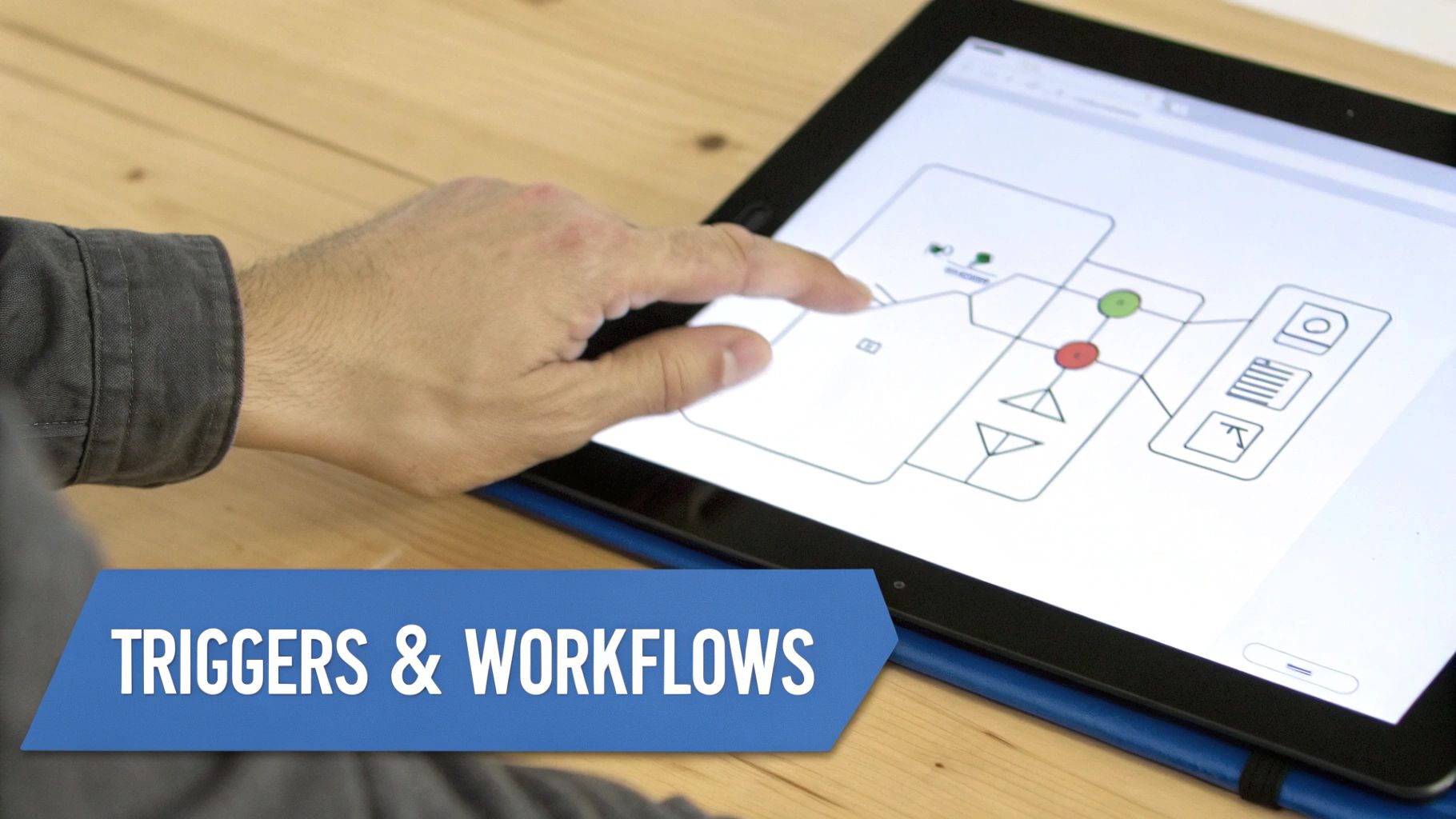
While it can seem complex, CRM automation operates on a logical framework. Under the hood of platforms like Salesforce or HubSpot, automation is built on three key components: triggers, conditions, and actions.
Think of this framework as a set of digital instructions. The process begins with a trigger—a specific event that initiates the automation. This could be a prospect submitting a web form, a sales rep updating a deal stage, or a customer support ticket being closed.
Once triggered, the system evaluates a set of pre-defined conditions. These are the “if/then” rules that ensure the automation executes only under the right circumstances. A condition might be, “Is this lead from a company with over 50 employees?” or “Is the deal value greater than $10,000?”
If the conditions are met, the system performs one or more actions. These are the tasks your team would otherwise handle manually, such as sending a follow-up email, assigning a new task, updating a contact’s status, or enrolling a lead in a nurture campaign within a platform like Account Engagement (formerly Pardot).
Building The Workflow
When you combine these three elements—triggers, conditions, and actions—you create a workflow. A workflow is an automated business process that guides a lead or customer through a specific journey without manual intervention.
Let’s examine a common B2B lead management example:
- Trigger: A prospect submits a “Request a Demo” form on your website.
- Condition: The system verifies the lead’s email domain is not from a known competitor. If the check passes, the workflow proceeds.
- Action 1: The CRM automatically assigns the lead to the appropriate sales representative based on territory rules.
- Action 2: A new task is created in that representative’s queue to call the lead within 24 hours.
- Action 3: An automated, personalized confirmation email is instantly sent to the lead, appearing to come directly from the assigned representative.
This entire sequence executes in seconds, ensuring a rapid response to an interested prospect and preventing high-value leads from being overlooked. This is how you transform a passive database into an active component of your revenue operations engine.
Workflows are the operational blueprints of your go-to-market strategy. They ensure that every customer interaction is consistent, timely, and aligned with your sales and marketing objectives, creating a predictable and scalable process for revenue generation.
For this to function seamlessly, your technology stack must be integrated. Understanding the nuances of marketing automation integrations is critical for building a connected system where data flows without friction.
This connectivity is the bedrock of a robust automation strategy. A proper CRM and marketing automation integration creates a single source of truth for all customer data. In essence, CRM automation is the practice of building intelligent workflows to drive tangible efficiency and growth.
The Real Business Impact of Automation

While operational efficiency is a key benefit, the true power of CRM automation is measured in revenue impact. For RevOps leaders, the goal is to connect automated workflows directly to predictable growth. The objective is to build a system that works smarter, not just faster, by actively improving the B2B metrics that matter most.
Effective automation transforms your CRM from a passive data repository into an active, intelligent partner—the engine that powers your entire go-to-market strategy.
Accelerating The Sales Pipeline
A primary benefit of CRM automation is increased sales velocity. Manual lead qualification and routing are notorious bottlenecks, creating delays that give competitors an opportunity to engage first. A few hours of inaction can cause a high-intent lead to go cold.
CRM automation eliminates these delays.
By configuring intelligent assignment rules in platforms like Salesforce or HubSpot, every inbound lead can be instantly scored, qualified, and routed to the correct sales representative based on territory, industry, or other defined criteria. This immediate handoff ensures your team engages prospects at peak interest, dramatically reducing response times and shortening the sales cycle.
For small and medium-sized enterprises (SMEs) in Canada, this has been a transformative shift. SMEs adopting these systems have reported lead conversion improvements of up to 27% and have shortened their sales cycles by approximately 30%. By removing administrative burdens, automation allows sales teams to focus on what they do best: building relationships. Explore how Canadian businesses are leveraging CRM for smart growth.
Enhancing Customer Lifetime Value
Securing the initial sale is only the beginning. Automation is crucial for customer retention and account expansion. Maintaining consistent, relevant communication is key to loyalty, but it’s operationally impossible to manage manually at scale.
This is where automated nurture sequences, especially within platforms like Account Engagement (formerly Pardot), provide immense value.
You can design workflows triggered by specific customer behaviors:
- Onboarding sequences that guide new clients toward successful adoption from day one.
- Usage-based check-ins to offer proactive support or identify upsell opportunities.
- Renewal reminders and satisfaction surveys to monitor account health and mitigate churn.
This type of consistent, contextual engagement strengthens relationships and increases customer lifetime value (CLV), converting one-time buyers into long-term strategic partners.
By standardizing processes and eliminating guesswork, CRM automation creates a single source of truth for all customer data. This empowers RevOps leaders with the accurate, real-time insights needed for reliable forecasting and data-driven strategic decisions.
Mitigating Costly Human Errors
Every manual data entry and task handoff is an opportunity for error. A mistyped email address, a forgotten follow-up, or an incorrectly updated deal stage can lead to lost revenue and a poor customer experience. Over time, these small mistakes compound, eroding data integrity and undermining your entire RevOps strategy.
CRM automation standardizes core processes, ensuring every action is executed consistently. By automating data updates, task creation, and internal notifications, you virtually eliminate the risk of human error. This not only improves efficiency but also builds a foundation of clean, trustworthy data that your entire organization can rely on, resulting in a more resilient and predictable revenue machine.
CRM Automation Examples for B2B Teams
Theory is useful, but seeing CRM automation in practice is where its value becomes clear. For B2B organizations using platforms like Salesforce or HubSpot, automation isn’t just an efficiency play—it’s how you build a more intelligent and responsive go-to-market engine.
Let’s review practical scenarios for Marketing, Sales, and Service teams to see how automation solves common operational challenges.
Marketing Ops: Smarter Lead Nurturing in Account Engagement (Pardot)
Marketing operations teams are tasked with nurturing leads until they are sales-ready. A manual approach is often inconsistent and fails to adapt to a prospect’s actual interests, causing leads to go cold and opportunities to be missed.
- The Problem: Generic, one-size-fits-all email campaigns fail to resonate. Prospects at different buying stages receive the same message, which lacks relevance to their specific pain points or engagement level.
- The Automation Fix: Implement a dynamic lead nurturing sequence using Salesforce Marketing Cloud Account Engagement (formerly Pardot). This workflow can be triggered when a prospect downloads a specific asset, such as an ebook addressing an industry challenge.
- The Outcome: Instead of a generic email blast, prospects receive a series of communications directly related to their demonstrated interest. If they click a case study link, the workflow can automatically segment them into a more bottom-of-funnel track. This behavior-driven approach enhances relevance, boosts engagement, and delivers better-qualified leads to the sales team.
For B2B marketers looking to build sophisticated sequences, exploring various marketing automation workflow examples provides practical templates and inspiration.
Sales Ops: Instant Lead Assignment and Task Management in Salesforce
In competitive sales environments, speed is critical. A delay of just a few hours in assigning a new lead can be the difference between winning and losing a deal. The role of sales operations is to eliminate these points of friction.
- The Problem: High-value inbound leads sit in a queue, awaiting manual assignment by a manager. Meanwhile, sales representatives are burdened with administrative tasks instead of engaging prospects.
- The Automation Fix: Build a workflow in Salesforce Flow that instantly assigns new leads based on predefined rules (e.g., territory, company size, industry). The moment a lead is assigned, the workflow can also create a “First Follow-Up” task for the new owner with a 24-hour deadline.
- The Outcome: Lead response time is reduced from hours to minutes, allowing reps to connect with prospects at peak intent. Automated task creation establishes accountability and a standard process within your system, ensuring no opportunity is overlooked. This liberates your sales team to focus on what they do best: building relationships and closing deals.
By automating lead assignment and initial task creation, RevOps teams can eliminate the single biggest bottleneck in the top-of-funnel process. This simple workflow creates a direct and immediate impact on sales velocity and conversion rates.
Service Team: Getting Cases to the Right Person in Salesforce Service Cloud
Excellent customer service is a significant competitive differentiator, but that advantage is lost when a support ticket is misrouted or delayed. Manual ticket triage is slow, error-prone, and leads to customer frustration.
- The Problem: Customer support tickets land in a general queue, requiring a manager to manually read and assign each one. This creates a bottleneck and often results in cases being handled by agents without the necessary expertise.
- The Automation Fix: Use omni-channel routing in Salesforce Service Cloud to direct incoming cases automatically. The system can be configured to read keywords in the subject or description (e.g., “billing,” “technical issue,” “integration”) and instantly route the case to an agent or queue with the appropriate skills and availability.
- The Outcome: Customers receive faster, more accurate support from the person best equipped to solve their problem. This improves first-contact resolution rates and customer satisfaction (CSAT) scores. Your service team becomes more efficient, and managers can focus on coaching and handling escalations instead of managing queues.
Comparing Automation Features in HubSpot vs Salesforce
While the principles of automation are universal, the tools for building them differ between platforms. Both HubSpot and Salesforce offer powerful capabilities, but they are packaged differently and serve distinct use cases. Here is a brief comparison of their primary automation tools.
| Feature/Capability | HubSpot (Workflows) | Salesforce (Flow/Process Builder) |
|---|---|---|
| Primary Use Case | Marketing, sales, and service sequences. Ideal for lead nurturing, email automation, and internal notifications. | Complex business process automation across the entire platform. Handles sophisticated logic and data manipulation. |
| User Interface | Highly visual, drag-and-drop builder. Generally considered more intuitive for marketers and non-technical users. | More powerful and flexible, but has a steeper learning curve. Geared towards admins and developers. |
| Trigger Events | Based on contact properties, list memberships, page views, form submissions, ad interactions, and more. | Can be triggered by record creation/updates, platform events, or scheduled times. Operates on any object. |
| Cross-Object Logic | Can update properties on associated objects (e.g., update a Company record when a Contact takes an action). | Excels at complex, multi-object logic. Can create, update, and delete records across related or unrelated objects. |
| Approval Processes | Limited to basic, built-in approval features, often requiring higher-tier plans. | Robust, multi-step approval processes are a core feature, allowing for complex conditional routing and logic. |
HubSpot’s Workflows are excellent for marketing and sales teams needing an intuitive tool to build customer-facing journeys. Salesforce Flow, by contrast, is an administrator’s powerhouse, capable of automating nearly any internal business process imaginable.
Building Your CRM Automation Roadmap

Embarking on CRM automation requires a strategic plan, not just a technical implementation. For RevOps and marketing operations leaders, a well-defined roadmap separates streamlined efficiency from amplified chaos. It enables you to secure early wins, achieve stakeholder buy-in, and build a foundation for long-term success.
The most effective strategies begin not with technology, but with a thorough analysis of current processes. This foundational work ensures your automations solve real problems instead of creating new ones.
Start with a Comprehensive Process Audit
Before automating any task, you must first map your current state. A comprehensive audit of your sales, marketing, and service processes is a non-negotiable first step. The goal is to identify repetitive tasks, communication gaps, and manual bottlenecks that are prime candidates for automation.
This involves documenting end-to-end processes: how a new lead is handled, the exact stages of your sales pipeline, and the steps for resolving a customer issue. This documentation will pinpoint the precise moments where automation can deliver the greatest impact.
Common areas ripe for automation include:
- Manual Lead Assignment: The delay between lead capture and sales follow-up.
- Inconsistent Data Entry: Sales reps spending valuable time updating records in Salesforce or HubSpot.
- Repetitive Follow-Ups: Sales teams manually sending standardized reminder emails.
- Siloed Handoffs: Friction and information loss when a lead is passed from marketing to sales or a customer is transferred to support.
Define Clear Objectives and Tackle Data Hygiene
With opportunities identified, the next step is to set measurable goals. Are you aiming to reduce lead response time, improve data accuracy, or increase your lead-to-opportunity conversion rate? Clear objectives will guide your workflow development and enable you to demonstrate ROI.
This is also the time to address data hygiene. Automating processes with inaccurate, incomplete, or duplicate data is a recipe for failure—it simply makes bad data move faster. Dedicate resources to cleaning and standardizing your CRM records before you begin building automations.
I’ve seen it happen time and again: teams either try to over-automate a complex process way too early or they completely forget the human touch in customer interactions. A winning roadmap prioritizes simple, high-impact workflows first. This creates momentum and gives your team time to adapt and learn.
Adopt a Phased Implementation Approach
Attempting to automate your entire business at once will overwhelm your team and lead to failure. A phased approach focused on quick wins is the smarter strategy.
Select one or two of the most painful yet straightforward processes identified in your audit. Automating lead assignment is a classic starting point for a reason. Alternatively, implement a simple welcome email sequence for new contacts.
Once these initial workflows are running smoothly and demonstrating value, you can gradually advance to more complex automations, such as multi-stage lead nurturing campaigns or automated renewal reminders. This iterative process builds confidence and ensures your CRM automation strategy scales with your business.
This trend toward automation, often powered by artificial intelligence, is becoming standard practice. Statistics Canada reports that by the second quarter of 2025, approximately 12.2% of Canadian businesses were using AI, with marketing automation specifically adopted by 23.1% of firms. You can explore more about how Canadian firms are embracing these technologies on their official site.
Measuring and Optimizing Your Automation Engine
Treat your CRM automation as a high-performance engine, not a “set and forget” appliance. Launching your first workflows is a significant milestone, but sustained value comes from continuous measurement and optimization. The goal is to relentlessly analyze performance data and use it to make intelligent adjustments.
This requires focusing on Key Performance Indicators (KPIs) that directly reflect business impact, not vanity metrics.
Key Metrics for Automation Success
The right data provides a clear view of your automation’s effectiveness. Building a live dashboard in platforms like Salesforce or HubSpot to track these KPIs creates an invaluable feedback loop for your RevOps team.
- Lead Response Time: Measure the time between lead creation and the first contact. Effective automation should reduce this to minutes, proving your lead routing workflows are functioning correctly.
- Sales Cycle Length: Track the number of days it takes for a deal to move from creation to “closed-won.” As automation handles follow-ups and administrative tasks, this metric should decrease, accelerating revenue recognition.
- Lead-to-Opportunity Conversion Rate: This KPI indicates whether your automated nurture sequences are generating qualified, sales-ready prospects. An increasing rate signifies that your automated messaging is effective.
A Framework for Continuous Improvement
Data is only valuable when acted upon. High-performing teams establish a regular cadence for reviewing performance and implementing optimizations. This transforms a simple tool into a genuine strategic advantage.
Analyze your workflows for bottlenecks where leads stall or drop-offs occur in nurture sequences. Identify these points of friction and refine the process.
One of the biggest mistakes I see is teams building incredibly complex automations and then walking away. The most successful RevOps pros treat their workflows like living things, constantly refining them with team feedback and hard data to squeeze out every drop of ROI.
Gather qualitative feedback from your sales and service teams. Their frontline experience can reveal whether an automation is a valuable tool or a hindrance.
Finally, adopt a practice of A/B testing. Experiment with different email subject lines, task timings, or content variations in your sequences. Small, iterative changes compound over time. This entire process relies on a solid foundation; learn more about best practices for ongoing CRM data hygiene to ensure your data is trustworthy.
Frequently Asked Questions
Even with a solid plan, implementing CRM automation raises practical questions. Here are answers to common queries from RevOps, Marketing Ops, and Sales Ops leaders.
What’s the Difference Between CRM and Marketing Automation?
This is a frequent point of confusion, but the distinction is clear.
Marketing automation focuses primarily on the top of the funnel. Platforms like HubSpot Marketing Hub or Salesforce Marketing Cloud Account Engagement are designed to capture and nurture new leads through tools like email campaigns, landing pages, and behavior-based lead scoring.
CRM automation, by contrast, encompasses the entire customer lifecycle. It is a broader strategy executed within your core CRM, such as Salesforce Sales Cloud. It acts as the connective tissue, ensuring a seamless handoff of a marketing-qualified lead to a sales rep with full context. It continues to operate throughout the sales cycle and post-sale to support customer success.
A simple analogy: Marketing automation cultivates the garden to help seedlings sprout. CRM automation manages the entire farm—from planting and nurturing to harvesting and bringing the product to market.
Will CRM Automation Replace Our Sales Team?
No. In fact, it does the opposite. The purpose of automation is to make your sales team more effective, not obsolete.
Automation excels at handling the monotonous, time-consuming tasks that sales reps must perform—manual call logging, data entry, sending repetitive follow-up emails, and setting reminders.
By removing this administrative burden, you empower your sales team to focus on what humans do best: building relationships, understanding complex customer needs, navigating negotiations, and closing deals. It enables your top performers to dedicate more time to revenue-generating activities.
How Do We Start With Automation If Our CRM Data Is a Mess?
This is a critical question, and the answer is direct: you don’t.
Attempting to build automation on a foundation of messy, duplicate, or incomplete data will only amplify existing problems at scale. It’s like trying to operate a high-performance engine with contaminated fuel; it will inevitably break down.
Your first step must be a dedicated data hygiene project. Before building a single workflow, you need to:
- Standardize data entry protocols for key fields.
- Merge duplicate contacts, accounts, and opportunities.
- Enrich records with accurate, up-to-date information.
Start small. Select one segment of your database to clean, then build a simple, low-risk automation to test the process. This approach allows you to prove the concept and build momentum on a solid foundation of clean, reliable data.
Ready to build a reliable and scalable automation engine on a foundation of clean data? MarTech Do specializes in comprehensive system audits and implementing powerful CRM automation strategies for Salesforce and HubSpot. We help you align your marketing, sales, and revenue teams to drive measurable growth.