

In B2B, a lead is far more than a name and an email address in a database. It’s the first signal of potential revenue—the initial spark of interest from an organization that could become a valuable customer. Your entire revenue engine is built on the ability to systematically convert these sparks into closed-won deals.
What a “Lead” Really Means for Today’s Revenue Teams
For any B2B team operating within platforms like Salesforce or HubSpot, a lead isn’t just a contact; it’s a structured data asset. It represents the official starting line for a customer journey that must be meticulously tracked, from initial awareness to a signed contract. Misunderstanding this fundamental concept creates friction between marketing and sales, leading to wasted effort and missed revenue targets.
Effective lead management isn’t a task—it’s a strategic discipline. It requires aligning your entire go-to-market team around a single, trusted process for moving potential customers through the pipeline. This ensures a seamless, accountable handoff from marketing’s initial nurture to sales’ qualification and closing conversations.
Why a Unified Definition is Non-Negotiable
When marketing and sales operate with separate definitions of a “good lead,” chaos is inevitable. Marketing might celebrate hitting its goal of 500 webinar registrants, but the sales team dismisses them as unqualified and ignores the follow-up. This disconnect tanks morale and, more importantly, conversion rates. A robust Revenue Operations (RevOps) strategy is designed to eliminate this ambiguity.
A unified framework ensures that every lead is measured against the same criteria, which is the key to building a predictable and scalable sales pipeline. Once you have solidified your definition of a lead, understanding how to track sales leads effectively becomes the logical next step for organizing and converting them.
For a RevOps leader, a lead is the raw material for the revenue factory. The quality of that material directly dictates the quality of the final product—closed-won business. The focus is not on volume; it is on predictable value.
This guide provides practical, actionable insights for operations leaders looking to solve real-world challenges. We’ll dive into common obstacles, including:
- Poor Lead Quality: Stop sales teams from wasting cycles on contacts who will never buy. We’ll show you how to implement qualification frameworks that filter out the noise.
- Sales and Marketing Misalignment: We’ll help you bridge the gap between these critical teams by creating a shared language and a clear lifecycle process within your CRM.
- Inefficient Processes: Discover how to leverage automation in tools like Salesforce Account Engagement or HubSpot to score, route, and nurture leads with speed and precision.
By establishing a shared, crystal-clear understanding of leads in sales, you’re not just improving a single metric. You’re laying the foundation for a more efficient, predictable, and profitable go-to-market engine.
Mapping the B2B Lead Lifecycle Journey
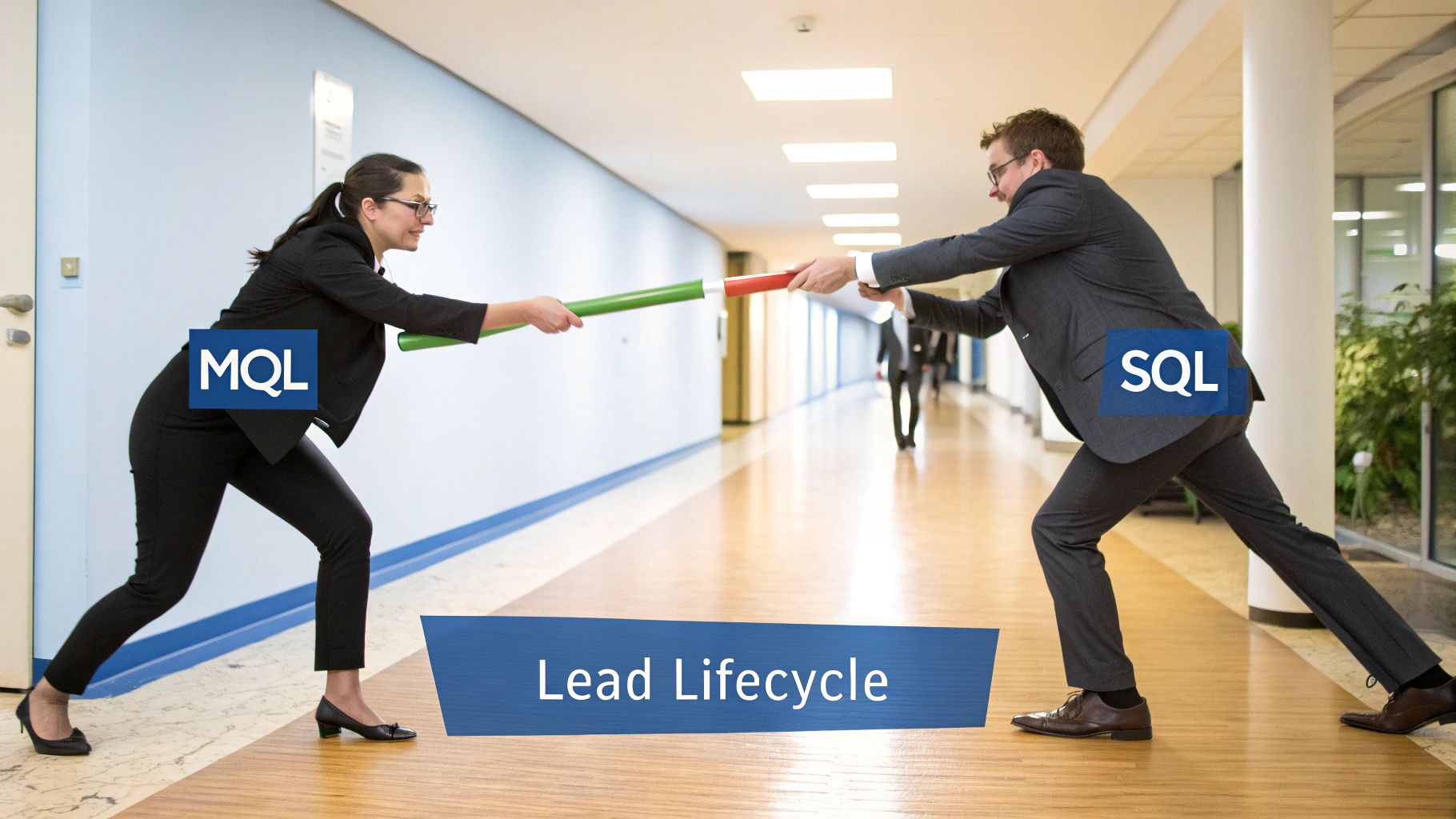
The journey a potential customer takes—from a glimmer of interest to a signed contract—is a high-stakes relay race. It’s a series of carefully executed handoffs between your teams. Marketing builds initial momentum before passing the baton to sales for the final push. A fumbled handoff means losing the race before it has truly begun.
This structured path is the lead lifecycle, the operational blueprint for your entire revenue engine. When defined properly and built into your CRM, everyone understands their role, knows where a lead stands, and recognizes precisely when to act. The goal is to guide individuals and companies smoothly from one stage to the next, with clear criteria for advancement.
Stage 1: The Initial Lead
This is ground zero. A Lead is an individual who has shown initial interest through a low-commitment action. They are in your ecosystem, but their intent and fit are still unknown. In your CRM, this is typically the default status when a new record is created, whether from a list import or a basic “subscribe to newsletter” form.
- Salesforce Example: A badge scanned at a trade show is uploaded as a new Lead record.
- HubSpot Example: An individual subscribes to your blog. A new Contact record is created, and its lifecycle stage is automatically set to “Lead.”
At this stage, marketing is responsible for nurturing this initial curiosity.
Stage 2: The Marketing Qualified Lead (MQL)
An MQL is a lead that marketing has vetted and deemed ready for a sales conversation. This determination is based on a combination of firmographic data (who they are) and behavioral data (what they have done). They have taken actions that signal they are moving beyond casual browsing and match your ideal customer profile (ICP). This is the first critical handoff.
The MQL stage is where marketing confidently signals to sales: “Based on our data and their recent activity, this individual represents a strong potential fit and is worth your time.” A poorly defined MQL is the number one cause of sales and marketing misalignment.
Achieving this requires a non-negotiable pact between sales and marketing on the exact criteria that constitute a “qualified” lead.
- Salesforce Example: A lead in Salesforce Account Engagement (fka Pardot) reaches a score of 100 after visiting your pricing page and downloading a key case study. An automation rule syncs them to Salesforce, updating their status to “MQL.”
- HubSpot Example: A contact fits your ICP—a Director at a tech company with over 200 employees—and submits a “Request a Demo” form. A workflow immediately updates their lifecycle stage to “Marketing Qualified Lead.”
To see how this fits into the bigger picture, explore our guide on B2B customer journey mapping to align your lifecycle stages with customer experience.
Stage 3: Sales Accepted and Qualified Leads (SAL and SQL)
Once marketing passes the baton, sales must accept it. The Sales Accepted Lead (SAL) is that moment of acceptance. It’s an intermediate step where a sales development representative (SDR) or account executive (AE) takes ownership of the MQL and commits to outreach. This simple act of acknowledgment drives accountability.
If the SDR then connects with the lead and confirms they meet essential criteria—such as budget, authority, need, and timeline (BANT)—the lead is promoted to a Sales Qualified Lead (SQL). An SQL is a vetted prospect with a real, solvable business problem. This is where a potential deal becomes tangible.
- Salesforce Example: An SDR changes the Lead Status from “MQL” to “Working” (the SAL step). After a successful discovery call, they convert the Lead into an Account, Contact, and Opportunity, officially creating an SQL.
- HubSpot Example: Following a qualification call, an SDR confirms the prospect’s project is a top priority for the quarter. They then update the contact’s lifecycle stage to “Sales Qualified Lead.”
Mastering these handoffs is the core of effective RevOps, transforming a series of interactions into a predictable, revenue-generating machine.
How to Build a Powerful Lead Qualification Framework
Defining your lead lifecycle stages is a critical first step, but it’s only half the battle. To prevent your sales team from spending time on dead-end conversations, you need a robust qualification framework. This is the playbook that enables your team to systematically separate real opportunities from noise.
Without a consistent method for vetting leads, your pipeline becomes a lottery. Sales reps rely on gut feelings, marketing chases vanity metrics, and revenue becomes unpredictable. A shared framework aligns everyone on what a “good lead” truly is.
Choosing the Right Qualification Model
Several proven frameworks exist, each designed to uncover different signals about a prospect’s buying intent. The key is to select one that aligns with your sales process and product complexity. For most B2B companies using Salesforce or HubSpot, two frameworks are particularly effective.
1. BANT (Budget, Authority, Need, Timeline)
BANT is a straightforward, classic framework ideal for more transactional sales or shorter, less complex cycles. It helps SDRs quickly determine if the fundamental requirements for a deal are in place.
- Budget: Does the organization have funds allocated for a solution like yours?
- Authority: Are we engaging with the decision-maker or a key influencer?
- Need: Is there a tangible business pain that you can solve?
- Timeline: Are they looking to make a purchase this quarter, or is this a long-term consideration?
2. MEDDIC (Metrics, Economic Buyer, Decision Criteria, Decision Process, Identify Pain, Champion)
MEDDIC is a more robust framework designed for complex, high-value enterprise sales. It pushes your team beyond the basics to understand how the organization will buy, mapping the internal politics and procurement processes of your target account.
Operationalizing Your Framework in Salesforce and HubSpot
A framework is useless if it only exists in a presentation deck. Its value is realized when it is embedded directly into your CRM to guide representatives and capture structured data. This is where a strong RevOps strategy turns theory into operational reality.
You can create custom fields in your CRM that map directly to your chosen framework.
In Salesforce, this could involve adding custom fields to the Lead and Opportunity objects, like a picklist for “Budget Confirmed” or a date field for “Decision Timeline.” In HubSpot, you would create custom properties for your contacts and deals to track the same information.
Once these fields are in place, you can build powerful automation and reporting. Imagine a HubSpot workflow that automatically advances a deal to the next stage once all BANT criteria are met. Or consider a Salesforce dashboard that flags deals where the “Economic Buyer” field is still empty, providing sales managers with an early risk warning.
This approach transforms qualification from an art into a science. To learn more, read our detailed guide on what is lead qualification and its critical importance.
Poor lead qualification is a challenge for 67% of sales teams, leading directly to stalled deals. However, companies that implement strong qualification and scoring through platforms like Salesforce Account Engagement can see conversion rates increase by 20% or more. By translating abstract concepts like BANT or MEDDIC into tangible CRM fields and automated workflows, you provide your sales team with a clear path forward, enabling them to focus on prospects ready to become customers.
Implementing Smart Lead Scoring and Routing
Once you have a solid qualification framework, the next step is to operationalize it with speed and precision. This is where automation becomes the engine that drives your pipeline, transforming a manual, subjective task into a data-driven system.
Lead scoring is your internal prioritization system. Instead of treating every new contact equally, you assign points based on who they are and their actions. This powerful concept allows your sales team to instantly identify the hottest prospects—those demonstrating clear buying signals—and focus their energy effectively.
Building a Practical Lead Scoring Model
A strong scoring model blends two key data types: explicit information provided by the lead and implicit clues from their behavior.
- Explicit Scoring (Demographic/Firmographic): This is about fit. How closely does this person match your Ideal Customer Profile (ICP)? Assign points for attributes like job title, company size, industry, and location. A C-suite executive from a target account is more valuable than an intern from a non-target industry.
- Implicit Scoring (Behavioral): This measures engagement and intent—their digital body language. High-value actions, such as visiting your pricing page or requesting a demo, should earn significantly more points than passive activities, like opening a newsletter.
Here is a foundational lead scoring model you could build in a platform like Salesforce Marketing Cloud Account Engagement or HubSpot.
Sample B2B Lead Scoring Model
This table provides a basic blueprint for assigning points based on firmographic fit and behavioral signals.
| Attribute/Action | Criteria | Points Assigned |
|---|---|---|
| Job Title | C-Level (CEO, CIO, CMO) | +20 |
| VP or Director | +15 | |
| Manager | +10 | |
| Company Size | 500+ Employees (Ideal) | +15 |
| 100-499 Employees | +10 | |
| High-Intent Behaviour | Requested a Demo | +25 |
| Viewed Pricing Page | +15 | |
| Mid-Intent Behaviour | Downloaded a Case Study | +10 |
| Attended a Webinar | +10 | |
| Negative Behaviour | Visited Careers Page | -10 |
This is a starting point; every business should refine its model over time. For a deeper analysis, review our guide on lead scoring best practices to build a model tailored to your business.
Connecting Scoring to Automated Routing
A lead score is just a number until it drives action. Its true power is unlocked when connected to lead routing—the automated process of delivering the right lead to the right sales rep immediately. The goal is to eliminate manual handoffs and reduce response times from hours to minutes.
A lead that hits a score of 100 should never sit in a queue. It should be instantly delivered to the correct sales rep’s CRM, triggering a notification for immediate follow-up while the lead’s interest is at its peak.
Modern marketing automation and CRM platforms simplify this process. You can build rules that assign leads based on their score combined with other key attributes.
Example Routing Rules in HubSpot or Salesforce:
-
Territory-Based Routing:
- IF Lead Score is
> 99AND Country isCanada, - THEN Assign to
Canadian Sales Team.
- IF Lead Score is
-
Industry-Based Routing:
- IF Lead Score is
> 99AND Industry isManufacturing, - THEN Assign to
Manufacturing Account Specialist.
- IF Lead Score is
-
Product Interest Routing:
- IF Lead Score is
> 99AND lead downloaded theProduct Awhitepaper, - THEN Assign to the
Product A Sales Pod.
- IF Lead Score is
By implementing these automated workflows, you create an intelligent and efficient system. It ensures your most valuable leads in sales are immediately connected with the sales rep best equipped to convert them. This tight alignment between marketing automation and sales operations is how you scale revenue growth—it removes guesswork, creates accountability, and ensures no high-value lead is ever lost.
Putting Theory Into Practice: Mastering Lead Management in Salesforce and HubSpot
Frameworks and theories are meaningless until they are implemented within your CRM. How you configure Salesforce or HubSpot is what makes or breaks your revenue engine. For B2B organizations, translating strategy into the fields, workflows, and automation within your platform is what separates high-growth companies from the rest.
This is about instilling operational discipline. Your CRM is the foundation of your revenue operations. If it is disorganized, everything built upon it—from sales forecasting to GTM strategy—will be unstable. Without a clean, well-managed CRM, you are operating blind.
Salesforce Best Practices for B2B Lead Management
If your business operates on Salesforce, you must adhere to its architecture. The platform was designed with a specific lead management philosophy, and fighting against it often results in data chaos and reporting inaccuracies.
A common mistake is misusing the Lead object. The Lead object is not a permanent repository for contacts; it is a temporary staging area for qualification. Its purpose is to vet new entries before they earn a place in your core database of Accounts and Contacts. The objective is to process new leads in this object quickly and maintain data hygiene.
Once a lead is qualified and becomes an SQL, the next step is critical: conversion. This single action creates three distinct but linked records:
- An Account: The organization the individual works for.
- A Contact: The person you have been engaging with.
- An Opportunity: The potential deal you are actively pursuing.
This conversion process is the cornerstone of a clean Salesforce implementation. It prevents duplicate data and provides a unified view of every target organization.
From a RevOps perspective, converting a Lead in Salesforce is not just a click. It is the official system handoff, the moment a marketing-nurtured prospect becomes a sales-owned opportunity. Mastering this transition is critical for accurate attribution and maintaining a reliable pipeline.
Beyond managing the Lead object, leverage Campaign Influence. By associating leads and contacts with the marketing campaigns they interact with (e.g., a webinar or whitepaper download), you can build sophisticated multi-touch attribution models. This is how you prove which marketing initiatives are generating the most valuable leads in sales.
HubSpot Best Practices for Revenue Operations
HubSpot’s primary advantage is its all-in-one design and intuitive automation engine, making it ideal for marketing and sales operations. The key to unlocking its power is to leverage its automation capabilities to enforce your processes at every stage of the buyer’s journey.
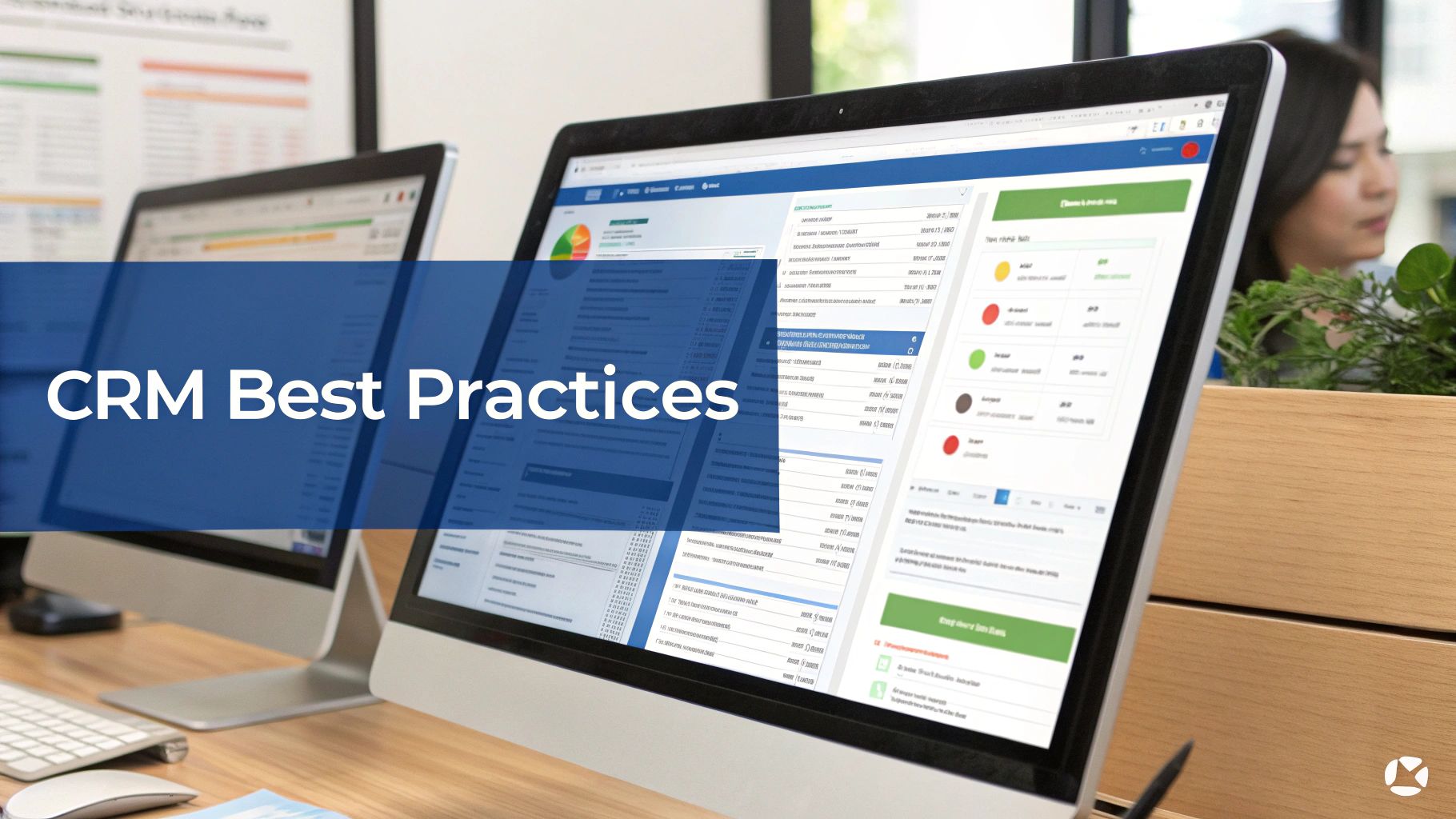
A well-configured dashboard, in either Salesforce or HubSpot, provides at-a-glance visibility into the entire sales funnel, turning raw data into actionable insights.
One of the most powerful actions is to automate lifecycle stage updates. For instance, when a prospect submits a “Request a Demo” form, a simple workflow can instantly change their lifecycle stage from “Lead” to “Marketing Qualified Lead” and notify the appropriate salesperson. This automation ensures no leads are missed and eliminates manual data entry.
To empower your sales team, create custom saved views for them within the Contacts and Deals objects. A sales rep should not have to sift through the entire database to find their next call. Instead, provide them with a dedicated, pre-filtered list like “My New MQLs” or “SQLs with No Activity in 7 Days.” This allows them to focus their energy with precision.
Finally, utilize HubSpot Playbooks. These are interactive guides that appear for sales reps during calls. You can build playbooks based on your BANT or MEDDIC frameworks, prompting reps to ask the right qualifying questions and log the answers directly into the correct CRM fields. This enforces a consistent process and ensures your qualification data is clean and reliable.
Whether you use Salesforce or HubSpot, the core principle is the same. Your CRM should be an active, intelligent system that guides your team, enforces your processes, and delivers the clean data needed for strategic decision-making.
Got Questions About Sales Leads? We’ve Got Answers.
Even for seasoned RevOps professionals, the specifics of lead management can pose challenges. When building a scalable revenue engine, theory and practice do not always align perfectly. Let’s address some of the most common questions.
What’s the Real Difference Between a Lead and a Prospect?
This distinction is crucial for effective collaboration between sales and marketing. A lead is a raw signal of interest. It is an individual or company that has shown some curiosity—perhaps by downloading a guide or subscribing to a newsletter—but has not been vetted. They are at the top of your funnel, representing a collection of unconfirmed data points.
A prospect, on the other hand, is a lead that has passed an initial qualification test. Your team has confirmed they fit your Ideal Customer Profile (ICP) and have the potential to become a customer. This is the moment a lead is converted or has its lifecycle stage updated to SQL in your CRM, whether that’s Salesforce or HubSpot.
In short: all prospects were once leads, but only a small fraction of leads will earn the designation of a prospect.
How Long Should a Lead Sit in the MQL Stage?
While there is no universal number, the guiding principle is speed. A Marketing Qualified Lead (MQL) that is left to go stale is a wasted opportunity. A lead’s initial interest has a short shelf life, so the Service Level Agreement (SLA) between your marketing and sales teams must be stringent.
As a best practice, sales should action any new MQL—either accepting or rejecting it—within 24 to 48 hours. This ensures outreach occurs while the lead’s interest is still fresh. If MQLs are consistently aging, it signals a deeper problem: either your MQL definition is flawed, or the sales team does not trust the quality of leads being delivered.
You can enforce this SLA by setting up automated reminders in your CRM for untouched MQLs and building a dashboard to track MQL response times, fostering accountability.
Can a Customer Also Be a Lead?
Absolutely. This represents a prime opportunity for expansion revenue. An existing customer can become a new lead for a different product, an upsell, or a cross-sell. For example, if a team member at a customer company downloads a whitepaper about an advanced add-on module they do not currently use, that action generates a new lead.
Handling this correctly in your CRM is key to a positive customer experience:
- Tag the Source: The system must recognize that this new lead activity originates from an existing customer account.
- Route It Smartly: This lead should not be sent to the general queue for a new business SDR. It must be routed directly to the Account Manager or Customer Success Manager who owns the relationship.
- Track It as a New Opportunity: This allows you to measure your expansion pipeline separately from your net-new business, providing a clearer view of your growth drivers.
mishandling this process can result in a new sales rep contacting a long-term customer without context, which can damage the relationship.
What Are the Most Important Metrics for Lead Management?
While you can track dozens of metrics, a few key performance indicators (KPIs) are non-negotiable for any RevOps leader managing their funnel. These metrics provide a true health check on your entire process.
- Lead-to-Opportunity Conversion Rate: This is the ultimate measure of lead quality. It indicates the percentage of generated leads that convert into qualified pipeline, directly reflecting the effectiveness of your marketing and qualification efforts.
- MQL-to-SQL Conversion Rate: This KPI focuses on the critical handoff between marketing and sales. A low rate indicates a significant misalignment between what marketing considers “qualified” and what sales deems “sales-ready.”
- Sales Cycle Length: How long does it take to convert a lead into a closed deal? Understanding this helps you forecast revenue more accurately and identify bottlenecks in the sales process.
- Cost Per Lead (CPL) and Cost Per Acquisition (CPA): These are your ROI metrics. CPL measures the cost to generate a single lead, while CPA reveals the total cost to acquire a new customer.
By closely monitoring these core metrics—ideally on a clean dashboard in Salesforce or HubSpot—you can shift from chasing volume to making data-driven decisions that drive sustainable business growth.
Ready to transform your lead management process from a point of friction into a high-performance revenue engine? The team at MarTech Do specializes in auditing, optimizing, and implementing the systems discussed in this guide. We help B2B companies using Salesforce and HubSpot build scalable processes that drive predictable growth. Schedule a consultation with us today.










