In today’s competitive B2B landscape, owning powerful platforms like Salesforce, HubSpot, or Pardot (MCAE) is just the starting point. The real differentiator lies in how you integrate them. Effective workflow automation is the engine that drives revenue operations, transforming disjointed tasks into a seamless, data-driven go-to-market strategy.
However, many marketing and sales operations leaders struggle to translate theoretical benefits into practical implementation. This is where a blueprint of proven workflow automation examples becomes essential. To see practical applications of how proven workflows can enhance your RevOps strategy and drive revenue, explore these 7 Google Ads Marketing Automation Workflow Examples.
This article cuts through the noise. We will analyze seven concrete workflow automation examples designed for B2B RevOps teams. Each example provides a strategic blueprint—not just a description—showing you how to eliminate manual work, accelerate your sales cycle, and build a truly aligned revenue engine. Whether you’re refining lead management in HubSpot or streamlining deal approvals in Salesforce, these actionable insights will help you unlock the full potential of your martech stack.
1. Salesforce to Salesforce Lightning Migration and Optimization
For organizations seeking to overhaul their entire revenue engine, this Salesforce Lightning migration project by MarTech Do stands as a premier example of comprehensive workflow automation. It moves beyond simple task automation to showcase a complete system modernization that fundamentally transforms how sales and marketing teams operate. Instead of isolated fixes, this service delivers a holistic solution by migrating complex legacy processes to the modern, efficient Lightning framework, building a scalable foundation for growth.
The project’s success is defined by its strategic depth and tangible business outcomes. By implementing over 100 powerful, custom automations, MarTech Do addressed critical bottlenecks in the client’s go-to-market motion. This isn’t just about saving time; it’s about re-engineering core business functions to accelerate revenue cycles and empower data-driven decisions.
Strategic Analysis & Breakdown
The true value of this example lies in its strategic, multi-faceted approach. MarTech Do didn’t just replicate old workflows in a new system; they re-architected them to leverage Lightning’s native capabilities, resulting in significant performance gains and a vastly improved user experience.
- Quote-to-Cash Automation: Automating the entire quote generation process directly within Salesforce eliminates manual data entry, reduces errors, and standardizes pricing. The seamless DocuSign integration further accelerates the cycle by automating contract creation and signature tracking, moving deals from proposal to closed-won with minimal friction.
- Advanced Marketing Campaign Automation: The project implemented sophisticated automation to improve lead nurturing in Pardot (MCAE), enhance campaign tracking, and provide clear ROI analysis within Salesforce. This allows marketing teams to execute more targeted campaigns and delivers clear visibility into pipeline drivers.
- Legacy System Modernization: Migrating from Salesforce Classic to Lightning unlocks superior performance, a modern UI, and access to advanced features essential for a competitive tech stack. Executing such a complex project requires a deep understanding of both technology and business processes. You can explore these complexities in their guide on data migration best practices.
Key Insight: The most impactful automation projects are not about single-point solutions but about systemic transformation. By re-architecting the entire CRM environment, this project created a unified, efficient, and scalable platform that aligns technology directly with core business objectives like pipeline acceleration and operational efficiency.
Actionable Takeaways
- Audit Before You Build: Before automating, conduct a thorough audit of your existing Salesforce or HubSpot workflows. Identify redundant steps, manual bottlenecks, and processes that no longer align with your business goals.
- Prioritize High-Impact Areas: Focus initial automation efforts on high-value, high-friction processes like quote generation, lead routing, or contract management to demonstrate immediate ROI.
- Leverage Platform-Native Features: When migrating or upgrading systems, leverage the native automation tools of the new platform (like Salesforce Flow) to ensure better performance, scalability, and easier long-term maintenance.
This case study is a standout because it exemplifies how strategic platform optimization, not just task automation, drives transformative results.
| Feature Highlight | Business Impact |
|---|---|
| Comprehensive Migration | Enhanced system performance, usability, and user adoption. |
| 100+ Custom Automations | Drastically reduced manual work and boosted team productivity. |
| DocuSign Integration | Streamlined contract workflows, accelerating deal closure. |
| Marketing Automation | Improved campaign targeting, tracking, and measurable ROI. |
For a deeper look at their approach, visit the Salesforce Migration and Optimization case study on their website.
2. Zapier Templates Library
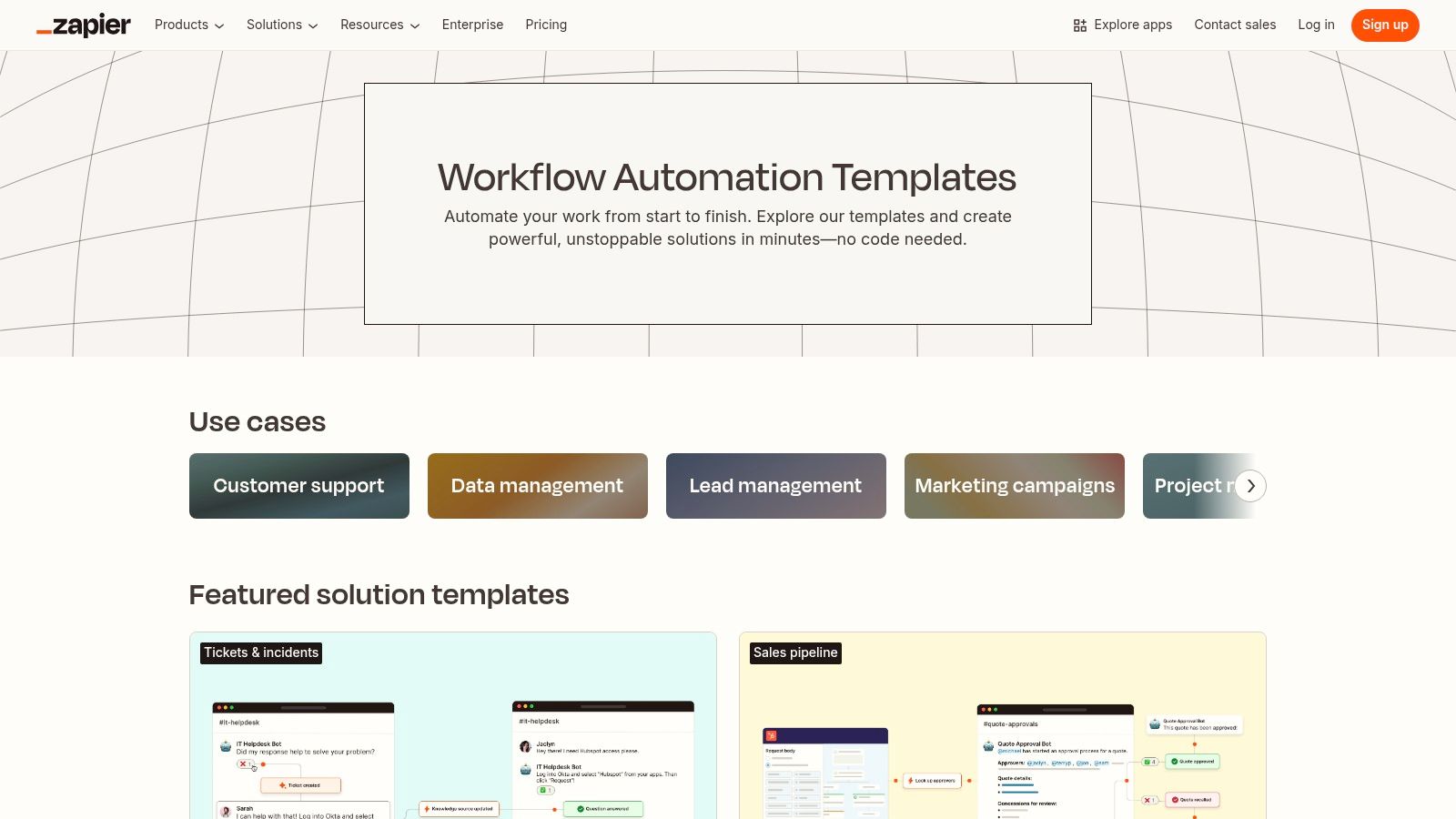
For RevOps teams seeking immediate, proven workflow automation examples without building from scratch, Zapier’s Templates Library is an essential resource. Zapier enables users to browse a massive gallery of pre-built automation blueprints, or “Zaps,” connect their applications (like Salesforce, HubSpot, and Slack), and activate a workflow in minutes. This makes it an invaluable tool for quickly testing and deploying solutions across the entire revenue funnel.
Strategic Breakdown
The core value of the Zapier Templates Library is its ability to transform abstract automation ideas into tangible, working processes with minimal effort. Its extensive coverage of thousands of apps means that nearly any GTM tech stack can be integrated. For operations leaders, this is a powerful tool for rapid prototyping. For example, before committing development resources to a complex API integration, a RevOps manager can use a Zapier template to validate a workflow’s logic and business impact—such as creating a Salesforce contact from a new HubSpot form submission.
Actionable Takeaways & Unique Offerings
- Start with Templates, Then Customize: Use the library to find a workflow that’s 80% of what you need. From there, use Zapier’s visual editor to add custom logic, filters, and paths to perfectly match your team’s specific requirements.
- Explore AI-Powered Workflows: Zapier has invested heavily in AI templates, offering ready-made Zaps that can summarize meeting notes from Gong, draft email responses from CRM data, or enrich leads with AI-generated insights.
- Leverage the Free Tier for Testing: Zapier offers a free plan, which is perfect for trying out simple, two-step automation examples before committing to a paid plan. Paid plans are task-based, so costs scale with usage.
Beyond specific templates, it’s also insightful to consider broader industry trends influencing automation platforms; for instance, you might explore discussions on AI’s impact on Zapier to understand the evolving landscape. By leveraging these powerful blueprints, you can significantly accelerate your automation strategy. For more specialized use cases, you can also explore other marketing automation workflow examples.
3. Make (formerly Integromat) Templates Gallery
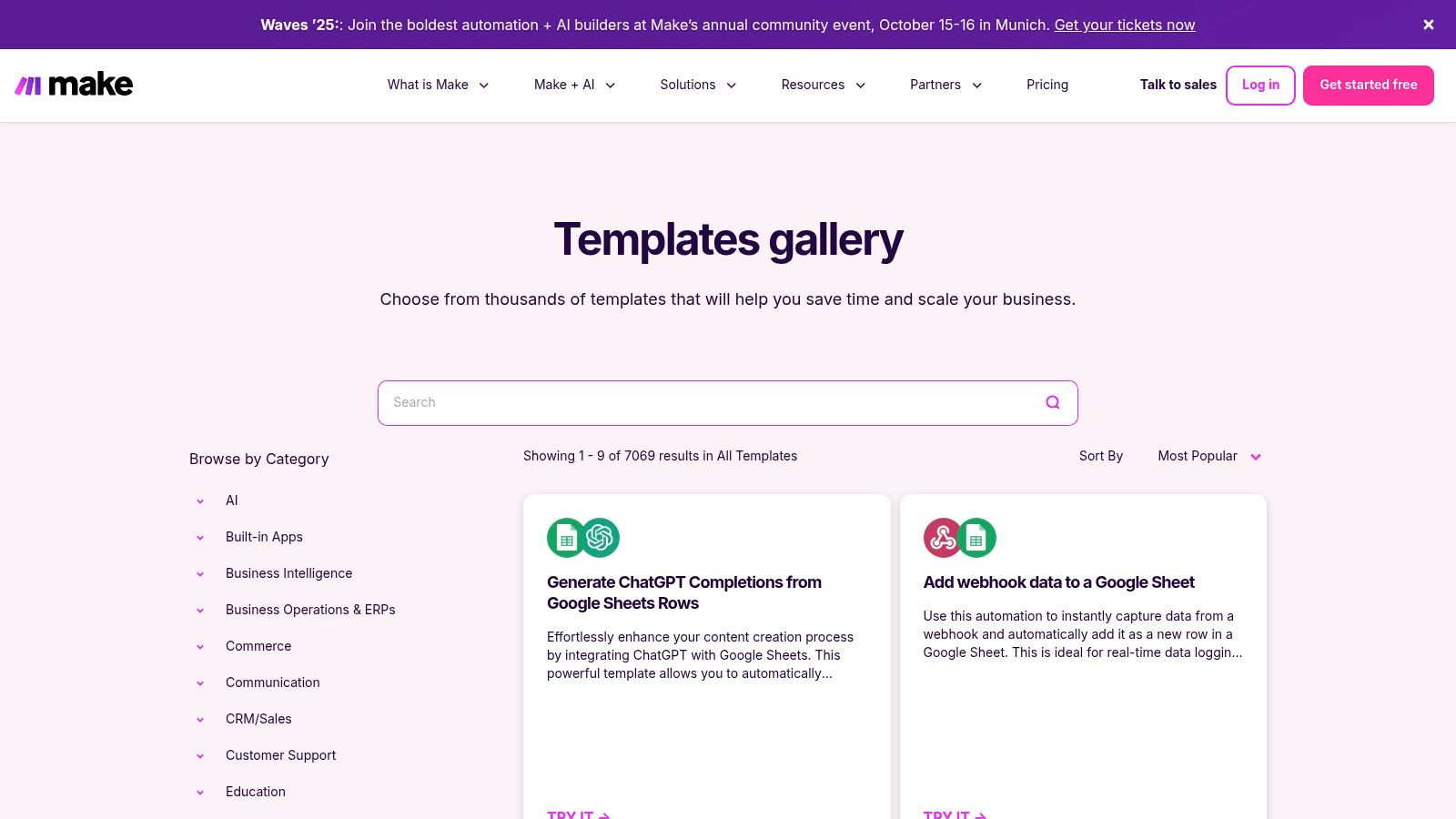
For operations leaders who need to build and visualize more complex, multi-step processes, the Make Templates Gallery offers a powerful and educational alternative. Unlike simpler, linear automation builders, Make excels at providing workflow automation examples that showcase branching logic, routers, and modular “scenarios.” Users can clone a public template and immediately see a visual diagram of the entire workflow, making it an exceptional tool for learning and adapting sophisticated automation for unique business needs.
Strategic Breakdown
The primary advantage of Make’s gallery is its ability to demystify complexity. Its visual, flowchart-style builder allows RevOps and MarOps professionals to not only implement a solution but to truly understand its data flow and decision points. For instance, a complex lead routing scenario involving multiple data enrichment steps from a tool like Clearbit, conditional assignments in Salesforce based on territory, and error handling can be laid out and debugged visually. This makes it ideal for building resilient, scalable systems where every step is transparent.
Actionable Takeaways & Unique Offerings
- Clone, Learn, and Adapt: Find a template that approximates your use case, clone it into your account, and use the visual editor to trace the data path. This is one of the most effective ways to learn advanced concepts like iterators, aggregators, and custom API calls.
- Leverage Routers for Granular Control: Many Make templates showcase “Routers,” which allow a single trigger to initiate multiple, distinct action paths. This is perfect for workflows like distributing new leads to a CRM, a Slack channel, and a spreadsheet simultaneously.
- Utilize the Generous Free Tier for Prototyping: Make’s free plan is robust, allowing for the creation and testing of unlimited public templates with a generous monthly operation limit. This makes it highly cost-effective for prototyping complex RevOps workflows before full-scale deployment.
4. Microsoft Power Automate Templates
For organizations deeply embedded in the Microsoft 365 ecosystem, Power Automate Templates provide a native, enterprise-grade solution for creating powerful workflow automation examples. Unlike platform-agnostic tools, Power Automate offers unparalleled integration with services like SharePoint, Outlook, Teams, and Dynamics 365. Its template gallery allows business users to deploy sophisticated flows, from document approvals to data synchronization, with just a few clicks, making it an ideal choice for IT-governed environments.
Strategic Breakdown
The primary advantage of Power Automate is its deep-seated integration within the Microsoft fabric, which allows for highly secure and compliant automation. For a marketing operations manager, this means creating a flow that automatically saves email attachments from Outlook to a specific SharePoint folder and then posts a notification in a Teams channel without ever leaving the Microsoft environment. This minimizes security risks and simplifies user management. The platform also offers both cloud flows for API-based tasks and desktop flows for Robotic Process Automation (RPA), enabling automation of legacy systems that lack modern APIs.
Actionable Takeaways & Unique Offerings
- Leverage Native M365 Triggers: Start with templates that solve common Microsoft 365 pain points, like “Save Outlook email attachments to OneDrive” or “Start an approval process for a new file in SharePoint.”
- Combine Cloud and Desktop Flows: Use cloud flow templates for modern, API-driven tasks (e.g., lead updates in Dynamics 365) and connect them to desktop RPA flows to automate data entry into older, on-premise applications.
- Explore Premium Connectors for GTM Stacks: While the core strength is Microsoft, premium connectors for Salesforce, Adobe Sign, and other major platforms are available. These require specific licensing but can centralize your automation strategy.
- Utilize AI Builder for Intelligence: Explore templates that integrate AI Builder to perform tasks like sentiment analysis on incoming emails or extracting text from invoices, adding a layer of intelligence to your workflows.
While it excels within its ecosystem, it’s crucial to understand all the core features of marketing automation when evaluating if it’s the right fit for a non-Microsoft-centric GTM stack. For those committed to the Microsoft suite, however, the Power Automate template library offers a secure and powerful starting point.
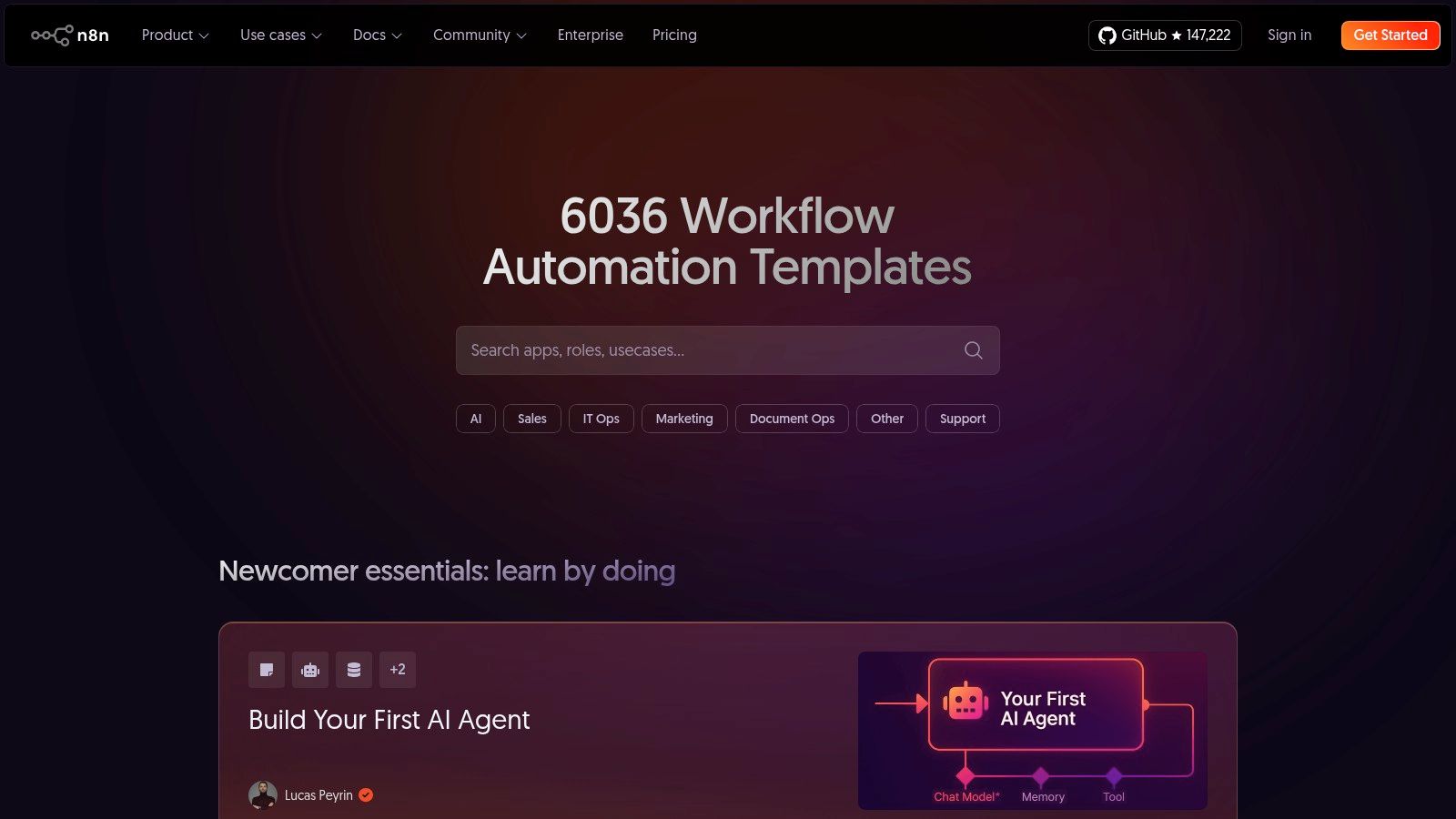
5. n8n Workflow Templates (Open-source)
For technical RevOps teams, developers, and privacy-conscious organizations seeking complete control over their automation, n8n’s workflow templates offer a powerful, open-source alternative. Unlike fully managed platforms, n8n provides a library of workflow automation examples that can be deployed on its cloud service or self-hosted on private infrastructure. This flexibility is ideal for operations leaders who need to handle sensitive data, customize integrations deeply, or manage costs with precision.
Strategic Breakdown
The core strategic advantage of n8n lies in its transparency and extensibility. Every workflow template is available as a JSON file, allowing technical users to inspect, modify, and version control their automation logic with tools like Git. This is a game-changer for RevOps teams in regulated industries or those with strict compliance requirements, as it provides a full audit trail and eliminates black-box processes. The self-hosting option also de-risks vendor lock-in and offers predictable, scalable pricing that isn’t tied directly to task volume—a major benefit for high-throughput use cases like data synchronization or large-scale lead processing.
Actionable Takeaways & Unique Offerings
- Inspect and Adapt Before Importing: Use the public accessibility of workflow JSON to understand the logic of a complex automation before you even import it. This allows your team to evaluate its suitability and plan modifications in advance.
- Leverage Self-Hosting for Compliance and Cost: For use cases involving PII or sensitive financial data, deploy n8n on your own infrastructure to ensure data never leaves your control. This also makes it a highly cost-effective solution for running millions of executions.
- Contribute to the Community: The platform’s strength is its active community. Encourage your technical team to not only use the available templates but also to contribute their own unique workflows back to the library, building brand authority and engaging with other developers.
n8n offers a pay-per-execution cloud plan for ease of use and a free, self-hosted option for maximum control. While it demands more technical expertise (familiarity with APIs and JSON is beneficial), its open-source nature provides unparalleled flexibility for sophisticated workflow automation examples. You can explore their extensive library directly at https://n8n.io/workflows/.
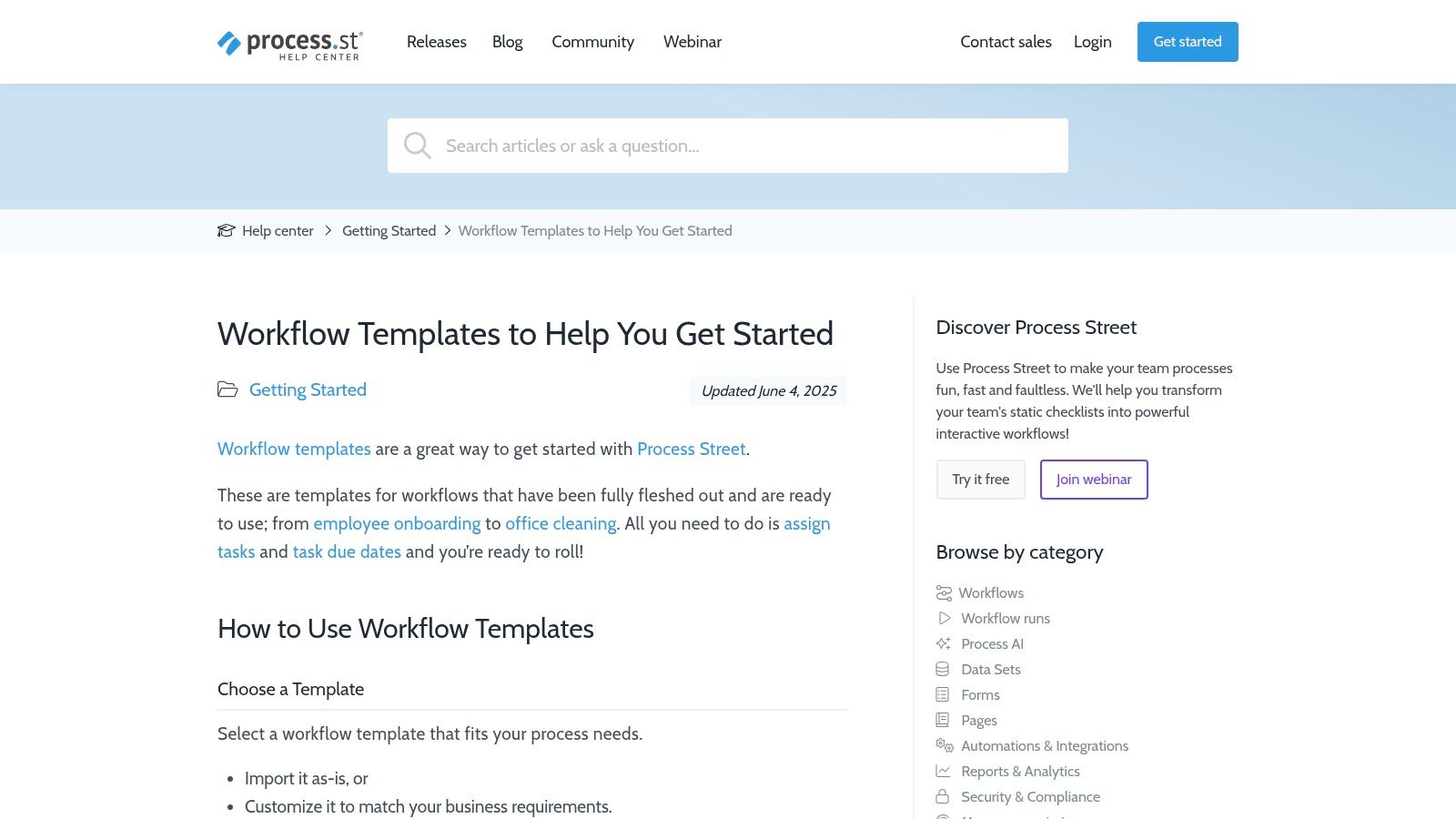
6. Process Street Workflow Template Gallery
For organizations focused on standardizing operational procedures, Process Street’s Workflow Template Gallery offers a structured approach to automation. Unlike integration-first platforms, Process Street specializes in checklist-driven workflows that ensure compliance, consistency, and accountability. It provides hundreds of pre-built templates for common business processes like employee onboarding, client intake, and sales deal approvals, making it an ideal tool for operations leaders who need to enforce standard operating procedures (SOPs) with built-in approvals and audit trails.
Strategic Breakdown
Process Street’s core strength lies in its ability to systematize human-centric processes. The platform excels at turning complex, multi-step procedures into interactive, no-code checklists. For a RevOps team, this is invaluable for processes like deal desk approvals or sales-to-customer success handoffs, where tasks must be completed in a specific order with clear documentation. Each step can include conditional logic, task assignments, and scheduled due dates, ensuring that nothing falls through the cracks. While it integrates with tools like Zapier for broader app connectivity, its primary value is its internal structure for governance and repeatability.
Actionable Takeaways & Unique Offerings
- Focus on SOPs and Compliance: Start by identifying your most critical, error-prone internal processes. Use a Process Street template for new client onboarding or a quarterly business review to enforce consistency and create an auditable record of every action taken.
- Embed Approvals Directly into Workflows: Leverage the platform’s built-in approval tasks to streamline sign-offs. This is one of the best workflow automation examples for sales operations, as it eliminates email chains and creates a clear, centralized approval history within your CRM or operational hub.
- Utilize Conditional Logic: Customize templates with if/then logic to adapt workflows to specific situations. For instance, an employee onboarding checklist can automatically show or hide IT equipment request tasks based on the new hire’s department.
- Be Mindful of Pricing Tiers: Process Street offers a free plan for individuals and small teams. However, more advanced automation features and unlimited workflows are gated behind paid plans, with pricing for the Business tier and above requiring a sales consultation.
7. Amazon (Books with Hands-on Automation Examples)
For professionals who prefer structured, in-depth learning, Amazon offers a vast library of books detailing hands-on workflow automation examples. These resources provide a unique, self-paced educational alternative to platform-specific help docs. Unlike SaaS platforms, these books often package comprehensive, project-based walkthroughs for tools like Power Automate, Zapier, and n8n, guiding readers from foundational concepts to advanced, multi-step process builds with detailed context.

Strategic Breakdown
The core value of leveraging books for automation training is the depth and deliberate pacing they offer. While a platform’s template library is great for quick wins, a well-authored book explains the “why” behind the “how,” building a user’s fundamental understanding of automation logic, API connections, and error handling. This is invaluable for RevOps and MarTech leaders tasked with not just implementing workflows but also troubleshooting and scaling them. A book can provide a chapter-by-chapter build of a complete lead management system in HubSpot, fostering a deeper, more transferable skill set than a simple template can.
Actionable Takeaways & Unique Offerings
- Filter by Publication Date: The automation landscape changes rapidly. When searching on Amazon, always filter or sort results to prioritize the most recently published books to ensure the user interfaces, features, and examples are current.
- Read User Reviews for Context: Pay close attention to reviews from readers with similar professional backgrounds. They often provide crucial insights into whether a book is suited for beginners or advanced practitioners and if the examples are relevant to B2B GTM use cases.
- Build a Cross-Platform Knowledge Base: Use books to learn the fundamental principles of automation across different platforms. Understanding how Zapier, Power Automate, and Make solve similar problems provides a strategic advantage when evaluating new tools for your tech stack.
Workflow Automation Examples Comparison Matrix
| Solution | Implementation Complexity | Resource Requirements | Expected Outcomes | Ideal Use Cases | Key Advantages |
|---|---|---|---|---|---|
| Salesforce to Salesforce Lightning Migration | High – complex legacy system migration | Significant – customization and change management needed | Enhanced performance, streamlined workflows, faster revenue cycles | B2B sales and marketing teams needing deep customization | Comprehensive migration, 100+ automations, expert approach |
| Zapier Templates Library | Low – ready-made templates | Low to moderate – task-based billing | Quick automation deployment, increased productivity | Users seeking fast, no-code automation across many apps | Broad app coverage, fast setup, free tier available |
| Make Templates Gallery | Moderate – visual, branching-friendly | Moderate – credits-based cost model | Complex, visualized workflows; educational and reusable | Technical users exploring advanced automation logic | Granular control, free testing, credits system efficiency |
| Microsoft Power Automate Templates | Moderate – prebuilt templates | Moderate to high – may require premium licenses | Enterprise-grade automation integrated with Microsoft 365 | MS 365-centric organizations needing secure workflows | Deep MS integration, enterprise security, easy deployment |
| n8n Workflow Templates (Open-source) | High – requires technical knowledge | Low to moderate – pay-per-execution or self-host | Customizable, transparent workflows; cost-effective | Technical or privacy-conscious teams with API skills | Open-source, strong community, flexible deployment options |
| Process Street Workflow Template Gallery | Low to moderate – checklist-based | Moderate – pricing can be high at scale | Standardized, compliance-focused workflows | Teams new to automation; compliance and audit focus | Business-friendly, built-in approvals and audit tracking |
| Amazon Books with Hands-on Automation Examples | Variable – self-paced learning | One-time purchase only | In-depth understanding and cross-platform knowledge | Users wanting detailed offline or Kindle learning | Comprehensive projects, no subscription, multi-tool coverage |
From Examples to Execution: Implementing Automation That Drives Revenue
We’ve explored a powerful array of workflow automation examples, from the open-source flexibility of n8n to the structured checklist approach of Process Street and the vast template libraries of Zapier and Make. Each example demonstrates a fundamental truth: automation is no longer a luxury but a critical component of a high-functioning revenue engine. The goal is not just to do things faster, but to execute the right GTM motions, consistently and at scale.
These examples show how automation can directly impact key business metrics. It eliminates the manual, error-prone tasks that consume your team’s valuable time, freeing them to focus on high-value activities like closing deals, building customer relationships, and strategic planning. The result is a more efficient, predictable, and profitable go-to-market motion.
Your Roadmap to Implementation
Transitioning from inspiration to implementation requires a strategic, phased approach. Avoid the temptation to automate everything at once. Instead, build a solid foundation by focusing on clarity, impact, and measurement.
- Start with a Strategic Goal: Don’t automate for the sake of automation. Identify a specific business problem you want to solve. Is it to accelerate lead response times, improve data hygiene in your CRM, or streamline your deal desk approval process? A clear objective will guide your entire project.
- Identify High-Impact, Low-Effort Processes: Begin with workflows that are repetitive, rule-based, and critical to your operations. A prime example is routing inbound leads from a form submission in HubSpot or Pardot directly to the correct sales representative in Salesforce, complete with an automated Slack notification. This small win delivers immediate value and builds momentum for future projects.
- Document and Measure Everything: Before you build, map out the current manual process. After implementation, track key metrics like time saved, reduction in errors, or a shortened sales cycle. This data is crucial for proving ROI and securing buy-in for more ambitious automation initiatives.
Choosing the Right Tools and Strategy
The tools highlighted in this article, from Power Automate to Zapier, offer different strengths. Your choice should align with your existing tech stack, technical resources, and long-term goals. A company deeply embedded in the Salesforce ecosystem might prioritize native automations or specific integrations, while a more agile startup might lean on Zapier for its broad connectivity.
Remember, the platform is just one piece of the puzzle. The true challenge and opportunity lie in designing a workflow that is robust, scalable, and aligned with your unique business logic. This requires a deep understanding of both technology and your revenue operations strategy. Navigating data mapping, system integrations, and change management is where many well-intentioned automation projects falter.
The workflow automation examples we’ve covered are your blueprint for what’s possible. By taking a measured, strategic approach, you can transform these concepts into a powerful competitive advantage, creating a more efficient, data-driven, and revenue-focused organization.
Ready to move beyond examples and build a powerful automation strategy tailored to your business? The experts at MarTech Do specialize in designing and implementing sophisticated workflows within Salesforce, HubSpot, and Pardot (MCAE) to drive measurable revenue growth. Contact us for a strategic consultation or system audit and let’s build your automated revenue engine together.