
You're in the weekly forecast meeting, and the same account appears under different names. Sales questions the pipeline report, marketing can't explain a lifecycle-stage change, and qualified inquiries are still waiting for owners. Nobody wants another cleanup project, but nobody trusts the current numbers either.
The useful conversation about data quality issues and solutions starts with the decisions your team needs to make, not the number of records an administrator can tidy.
The CRM Reality Most Teams Accept Too Quickly
Consider a familiar operating scenario. A webinar registrant enters HubSpot, matches an existing Salesforce contact imperfectly, and receives a lifecycle value that conflicts with the sales team's qualification process. An integration accepts the update, but nobody owns the resulting exception.
By the forecast meeting, each team can explain its own report. They can't reconcile the reports with one another.
That's not a messy database. It's an unresolved operating model spread across Salesforce Sales Cloud, Account Engagement, formerly Pardot, and HubSpot Sales & Marketing Hubs. When Service Cloud and Revenue Cloud participate in the customer lifecycle, the consequences extend beyond lead generation into service handoffs and commercial reporting.
Workarounds Aren't Controls
A rep keeps an account spreadsheet because the CRM associations look unreliable. Marketing exports campaign members before calculating attribution. Sales operations manually adjusts ownership before distributing a report.
These are plausible responses to unreliable systems, but they shouldn't become the process.
- Local corrections hide upstream failures. Fixing an export doesn't correct the integration that supplied the wrong value.
- Undocumented overrides obscure intent. An administrator can't distinguish a deliberate exception from an accidental change.
- Repeated imports recreate defects. Cleaning existing records achieves little if the next upload follows the same permissive rules.
For a complementary operational resource, MakeAutomation's guide to fixing the hygiene gap in automation is worth including in your team's reading list. Use it alongside a process review, rather than treating automation as a substitute for accountable ownership.
Practical rule: A correction isn't finished until someone has addressed how the defect entered the system.
Start With the Decision
Ask what the record must support. Routing requires usable territory and ownership information. Forecasting requires meaningful opportunity stages and timely updates. Campaign suppression requires dependable eligibility information.
Those requirements aren't interchangeable. Making every field mandatory can burden users without improving the decision that matters.
The stronger approach is to define fit-for-use requirements, identify where records fail them, and establish a recurring response. A migration or cleanup can reset the baseline. It can't replace the controls that keep subsequent changes trustworthy.
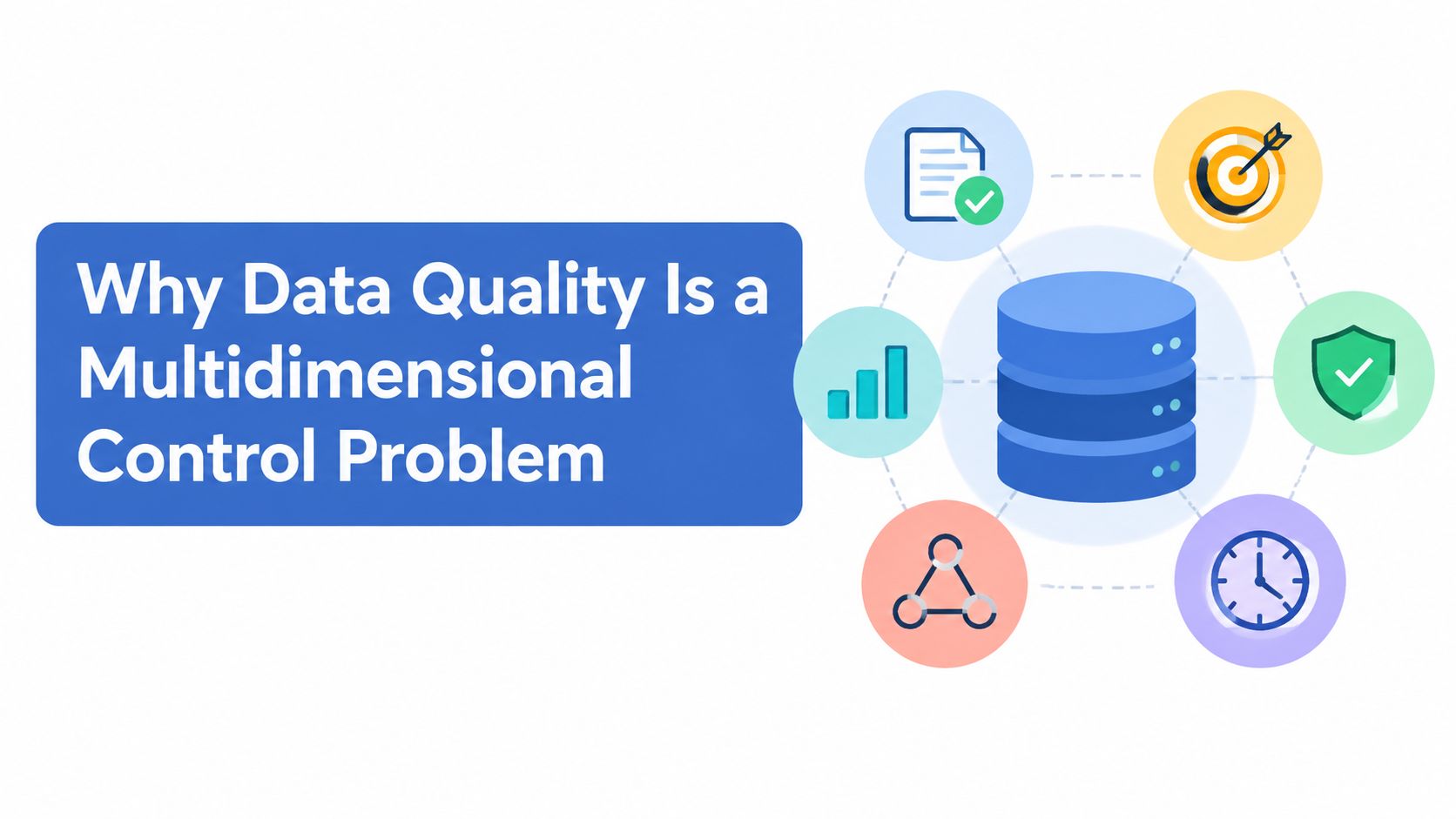
Why Data Quality Is a Multidimensional Control Problem
A contact can have every required field populated and still be unsuitable for a campaign. Its lifecycle stage might be obsolete, its account association questionable, or its latest update unavailable to the team making the decision.
Completeness isn't the same as usefulness.
Statistics Canada's quality guidelines define six dimensions: relevance, accuracy, timeliness, accessibility, interpretability, and coherence. The agency also cautions that administrative data may have been edited for purposes different from the receiving organisation's needs.
That distinction matters when importing enrichment data. A provider may consider a company record acceptable while your territory model requires a different definition of location, company hierarchy, or coverage.
Translate Quality Into Business Tests
The Government of Canada's Guidance on Data Quality defines nine dimensions: access, accuracy, coherence, completeness, consistency, interpretability, relevance, reliability, and timeliness. It recommends error-detection rules, including duplicate detection, throughout the data lifecycle.
Use those dimensions to write tests that business users can understand:
| Quality question | CRM interpretation | Example test |
|---|---|---|
| Is it accurate and complete? | Decision-critical values reflect the intended entity | Validate territory inputs before assignment |
| Is it timely? | Updates arrive before the decision deadline | Flag ownership changes still awaiting synchronisation |
| Is it coherent and consistent? | Systems represent compatible business meanings | Compare mapped lifecycle values across platforms |
| Is it interpretable? | Users understand definitions and transformations | Document what qualifies an opportunity for forecast inclusion |
| Is it accessible and reliable? | Authorised users can retrieve dependable information | Test reporting access and investigate recurring sync exceptions |
| Is it relevant? | Collection supports an identified purpose | Review fields that no process or report uses |
Stop Debating a Single Cleanliness Score
Suppose an opportunity's amount and stage are correct, but the update arrives after the forecast cut-off. The accuracy test passes; the timeliness test fails. Requiring more fields won't solve that problem.
Similarly, matching picklist spelling doesn't establish coherence if marketing and sales use the same label for different qualification events.
CapyScout's CRM data quality best practices can serve as a supplementary implementation resource. Keep your acceptance criteria tied to business use, rather than adopting a generic checklist unchanged.
A useful quality dashboard preserves these distinctions. It tells the owner what failed, where it failed, and which decision is affected, rather than compressing unrelated defects into a reassuring average.
The Defect Categories That Quietly Erode Revenue
Defect categories are useful when they help an administrator recognise a pattern and select the right treatment. They're less useful when every issue receives the same instruction to enrich, merge, or delete.
Treat the following as diagnostic scenarios, not claims about a particular implementation.
Identity and Completeness Defects
Duplicates represent the same intended entity more than once. A Salesforce lead and contact might represent the same person, while an enrichment integration creates another account with a slightly different company name.
The operational consequences can include competing owners, fragmented activity histories, and inflated marketing-qualified lead counts. The remedy requires identity rules, not just a name comparison.
Incomplete records lack information needed for a particular process. A Salesforce lead without a usable country value may fail territory assignment; a HubSpot contact without the role information your segmentation requires may enter an overly broad nurture.
Don't assume every missing job title or phone number warrants enrichment. First establish whether that attribute is necessary at the record's current lifecycle stage.
| Defect family | Another symptom to investigate | Likely operational consequence |
|---|---|---|
| Duplicate identity | Campaign responses attach to different representations of a person | Fragmented attribution |
| Missing critical values | A qualified record reaches a handoff without required routing inputs | Delayed assignment |
| Stale information | A former owner remains assigned after a territory change | Misrouted follow-up |
| Cross-system mismatch | Marketing and sales disagree on account classification | Conflicting audience selection |
| Broken relationships | An imported contact references an account identifier that no longer resolves | Incomplete account coverage |
Age, Meaning, and Relationships
Staleness requires more than checking the last-modified date. A Salesforce opportunity can receive an activity update while its close date remains unreviewed. A HubSpot contact can show recent engagement while retaining an outdated lifecycle status.
Measure freshness at the attribute level where possible. An unrelated edit shouldn't make every field appear current.
Mismatches concern incompatible representations. An account might carry a legal entity name in Salesforce and a trading name in marketing automation. Separately, an enrichment tool might classify a subsidiary as an independent organisation.
Referential breaks concern relationships rather than field values. A contact association may disappear during an import, or an external account reference may point to a retired identifier.
A record can look correct in isolation and still be wrong in the customer lifecycle.
Investigate associations before assuming a reporting discrepancy is a report-builder problem. Pipeline coverage and account engagement depend on which records belong together, not merely on whether individual fields look tidy.
Prioritizing Defects by Risk Instead of Row Count
The largest exception list shouldn't automatically receive the next remediation sprint. An unused field with missing values may deserve less attention than a smaller set of records that can trigger inappropriate outreach or distort an executive forecast.
The privacy context reinforces that distinction. The Office of the Privacy Commissioner's annual reporting on privacy and breach exposure states that approximately 20 million Canadian individual accounts were affected by breaches reported in 2024–2025, while 43% of Canadians said they had been affected by a privacy breach.
These figures don't quantify the risk of your CRM. They do support taking unnecessary personal-information exposure seriously rather than treating completeness as an unconditional goal.
Prioritizing CRM Data Defects by Business Consequence
| Defect Type | Operational Risk | Compliance or AI Risk | Priority Trigger |
|---|---|---|---|
| Missing territory or owner | Qualified inquiries remain unassigned | Unclear accountability for handling information | An active handoff cannot complete |
| Conflicting opportunity stage | Forecast categories become unreliable | Unsupported downstream decision inputs | Leadership is using the affected forecast |
| Duplicate customer identity | Conflicting outreach and fragmented account history | Corrections or restrictions may not reach every copy | Customer-facing action is imminent |
| Unnecessary sensitive field | No justified operational benefit | Wider exposure through replication or AI inputs | Data is flowing to additional destinations |
| Unknown permitted use | Enrichment or activation cannot be justified confidently | Uncertain consent, contractual restrictions, or AI eligibility | A new workflow proposes external processing |
| Unresolved retention exception | Teams retain obsolete operational records | Information may remain beyond its identified purpose | No documented purpose or exception supports retention |
Build a Queue People Can Act On
For each defect, record the affected process, consequence, propagation path, and accountable owner. Add the immediate containment action separately from the permanent correction.
For example, quarantine an uncertain enrichment update before investigating its matching logic. That allows the team to contain further changes without rushing into an irreversible merge.
- Prioritise active consequences. Address defects affecting current routing, customer treatment, or reporting before cosmetic inconsistencies.
- Consider propagation. A flawed upstream value distributed through connected systems deserves different treatment from an isolated field.
- Document the evidence. Attach affected records, failed rules, and the business decision at risk.
- Define a closure test. Specify how the owner will demonstrate that the process works after remediation.
Use data quality metrics tied to operational outcomes to establish the baseline. Track assignment exceptions, affected forecast records, and unresolved privacy-related defects alongside conventional quality measures.
Don't invent a revenue figure to win sponsorship. Show which live opportunities, campaigns, or customer decisions depend on the correction, and let finance or the relevant process owner validate any financial interpretation.
A Working Remediation Workflow for Salesforce and HubSpot
Run remediation as a controlled change, with a baseline export, documented decision rules, and a recovery plan appropriate to the affected objects. Don't begin with a bulk merge just because the duplicate report is easy to generate.

Detect and Match Before Changing Records
Profile by object and entry path. Review Salesforce accounts, contacts, leads, and opportunities separately from HubSpot contacts, companies, and deals. For Account Engagement webinar registrations, inspect missing identifiers, duplicate candidates, and unexpected lifecycle changes by import or integration source.
Normalise comparison keys. Create consistent representations of email, domain, phone, and external identifiers for matching. Preserve original values when they're needed for traceability, and don't overwrite customer-facing information merely to simplify comparison.
Separate exact matches from candidates. Use deterministic identifiers where appropriate, then controlled fuzzy matching for company names and addresses. A shared domain can support a candidate match, but it doesn't prove that related subsidiaries should become the same account.
Review low-confidence candidates before any write-back. A campaign import that appears to create new contacts may instead reveal missing cross-system identifiers.
Decide What Survives
Set survivorship rules by field, not just by record. The most recently modified record isn't automatically the most trustworthy. An enrichment-created account may have a newer timestamp than a sales-verified account without having stronger evidence.
Define which source can update each field, how conflicting values are handled, and what happens to ownership, campaign history, associations, and suppression information. For duplicate accounts created through enrichment, require an explicit decision about hierarchy and linked opportunities before merging.
Route ambiguity to human review. Use an assigned review record, task, ticket, or configured exception process within Salesforce or HubSpot. Give reviewers the competing values and match rationale, not just a request to approve a merge.
The Government of Canada's enterprise data strategy guidance supports metadata standards, explicit error checks, and lifecycle controls. Apply that discipline to the remediation job itself.
Streamkap's resource on how to build trusted data with Streamkap is another implementation reference for teams reviewing their data pipelines. Keep platform-specific changes grounded in your documented field authority and integration behaviour.
Test the Business Outcome
After correcting lifecycle drift from a campaign launch, replay representative journeys. Confirm that an existing contact is matched, the intended stage transition occurs, and ownership remains appropriate.
Use Salesforce validation rules selectively. Overly aggressive rules can block legitimate saves or integration updates, so test user, import, and connector paths before release.
A quarterly remediation cycle can handle accumulated exceptions. Entry-point controls and monitoring should continue between those reviews.
Data Quality as an AI Readiness and Sovereignty Problem
A technically clean contact record isn't automatically suitable for AI enrichment or model input. If its origin, permitted use, processing location, or consent context is unknown, filling the remaining blank fields doesn't resolve the uncertainty.
The Canadian adoption context makes this an immediate governance issue. Statistics Canada reported that business AI use rose from 6.1% in 2024 to 12.2% in the second quarter of 2025, as referenced in the Canadian AI adoption and sovereignty findings. The same resource reports that Bell's 2025 study of 207 Canadian IT decision-makers at large enterprises found 46% identified data quality and availability as an AI-adoption challenge, while 91% would prioritise data sovereignty as AI use expands.
Those are different populations and measures. Neither establishes that a particular CRM workflow is ready for AI.
Make Eligibility Explicit

Use an evidence-based readiness scorecard rather than an unsupported aggregate score:
| Control | Evidence to require | Treatment when unresolved |
|---|---|---|
| Field lineage | Source, collection context, and transformations | Exclude uncertain attributes |
| Consent and permitted purpose | Applicable permission and use restrictions | Hold the proposed activation |
| Retention | Documented purpose and review status | Refer for retention assessment |
| Residency and processing | Storage locations, processing destinations, and vendor terms | Pause external transfer pending review |
| Access | Named roles and scoped integration permissions | Restrict the integration's field access |
| Human review | Accountable reviewer and escalation route | Prevent unattended consequential write-back |
For a Salesforce or HubSpot deployment, maintain a governed inventory connecting these controls to fields, integrations, and use cases. Don't assume that a general AI policy tells an administrator whether a specific contact attribute can leave the CRM.
Enrich Less When the Evidence Is Weak
A GTM engineering workflow using Clay should receive only the attributes needed for its approved purpose. Keep generated or inferred values distinguishable from verified customer information, and review them before allowing consequential updates.
More populated fields don't necessarily mean more usable data.
Sovereignty also deserves a more precise assessment than a country label on a vendor page. Ask where processing occurs, which providers participate, and what the contractual terms permit.
Where the answers remain uncertain, the sensible remediation may be to reduce collection, limit replication, or quarantine records. Don't manufacture apparent readiness by replacing unknowns with confident-looking enrichment.
Building a Recurring Governance and Monitoring System
A governance programme needs named decision-makers and visible evidence that controls operate. A policy document alone won't tell an administrator who can resolve a conflicting lifecycle value or approve an integration exception.
Under PIPEDA, organisations must keep personal information as accurate, complete, and up to date as necessary for its purpose, and the Office of the Privacy Commissioner says organisations should minimise the possibility of using incorrect information to make a decision about an individual. The OPC's guidance on businesses and personal information provides the basis for that obligation.
Publish an Operating Model

Keep the working model concise enough to use:
- Owners by domain. Assign accountability for customer identity, lifecycle, opportunity data, service relationships, and permitted use.
- A field-level data contract. Document definitions, allowed values, source of record, update authority, sync direction, and conflict handling.
- Dashboards by object and source. Show duplicate candidates, critical nulls, field age, failed synchronisations, and unresolved exceptions.
- Response expectations by consequence. Define who investigates, when escalation occurs, and what evidence permits closure.
- Controlled changes. Version mappings and workflows, test downstream effects, and retain integration audit trails.
Canada's national data-governance recommendations emphasise shared standards, procedures, and tools. Translate that principle into practical agreements across marketing, sales, service, and revenue operations.
Review Exceptions and Retention Together
Hold a weekly exception review focused on root causes, not just closed tickets. In HubSpot, use configured validation and workflows to identify or route invalid values; distinguish detection after creation from controls that prevent entry.
The OPC's privacy-management programme guidance calls for accountability, procedures, and demonstrable controls. Build correction requests and access reviews into that operating rhythm.
Retention needs coordinated execution. The OPC's retention and secure-disposal guidance recommends documented periods, regular reviews, and disposal of associated copies and backups when information is no longer required, subject to applicable requirements.
Map those actions across marketing automation, enrichment, warehouses, middleware, and backup arrangements. Use a practical data governance operating model to connect policy decisions with executable responsibilities, including exceptions requiring legal review.
Turning Data Quality Into a RevOps Asset
Data quality becomes a business asset when teams can rely on CRM information without rebuilding its meaning before every decision. That supports pipeline trust, customer retention decisions, forecasting discipline, and controlled AI adoption.
The operating model is straightforward: assess fitness across relevant dimensions, prioritise consequences, remediate through explicit decision rules, and maintain accountable controls. The difficult part is enforcing those agreements when a campaign deadline or integration change creates pressure to bypass them.
For the next quarter, keep the commitment concrete:
- Choose consequential defect families. Start with issues affecting revenue decisions or personal-information handling.
- Publish the dictionary. Obtain agreement from the people who create, change, and consume the information.
- Activate the exception dashboard. Make ownership and unresolved risk visible.
- Schedule the cross-functional review. Include marketing, sales, service, and revenue operations.
Treat the CRM as the system of record for go-to-market decisions. Then give its owners the authority, evidence, and processes needed to make that designation credible.
MarTech Do offers RevOps System Audits, Salesforce and HubSpot implementation, data remediation, and integration governance. Visit the team to discuss an audit that identifies consequential defects, clarifies field ownership, and turns the findings into a practical remediation roadmap.